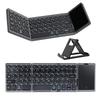
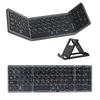
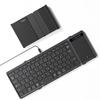
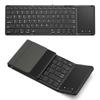
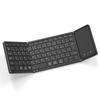
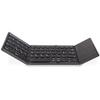
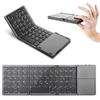
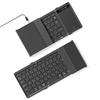
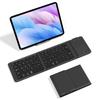
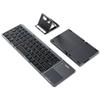
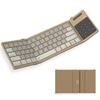
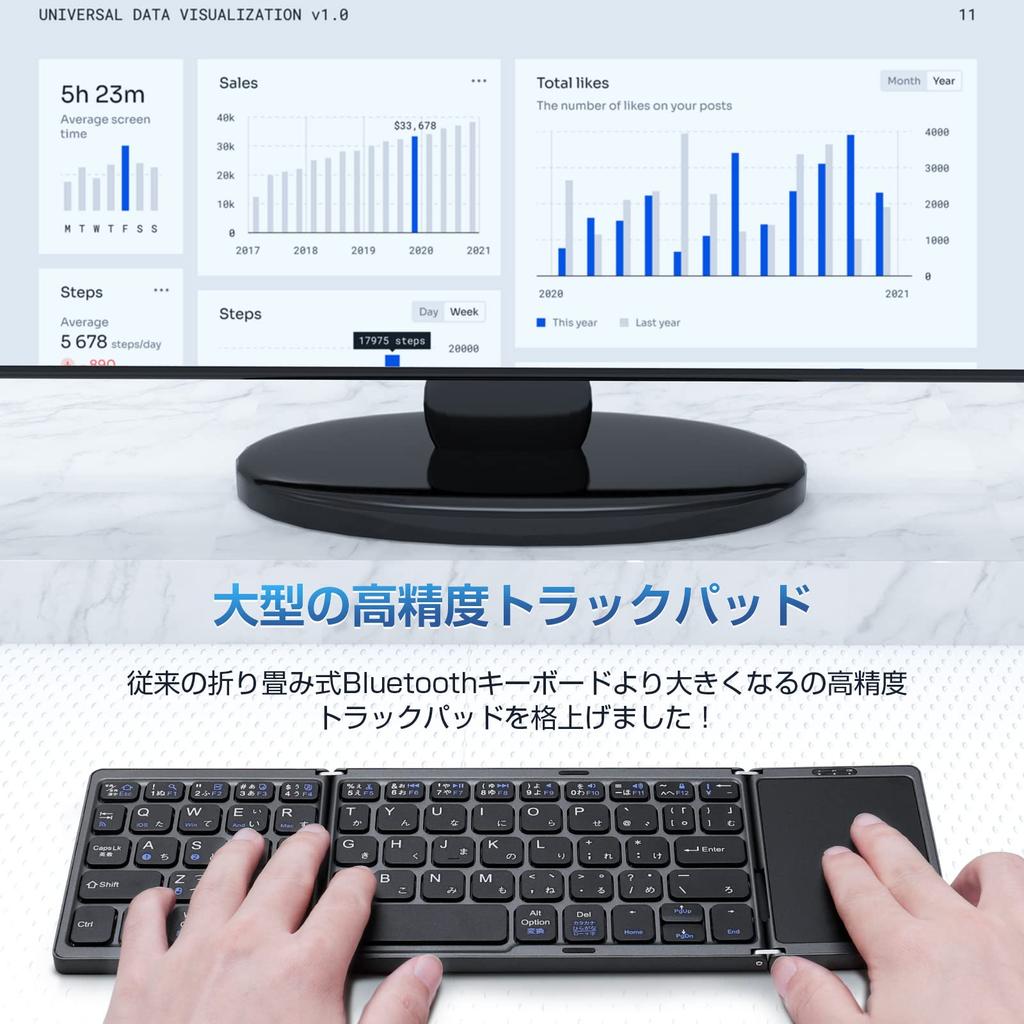
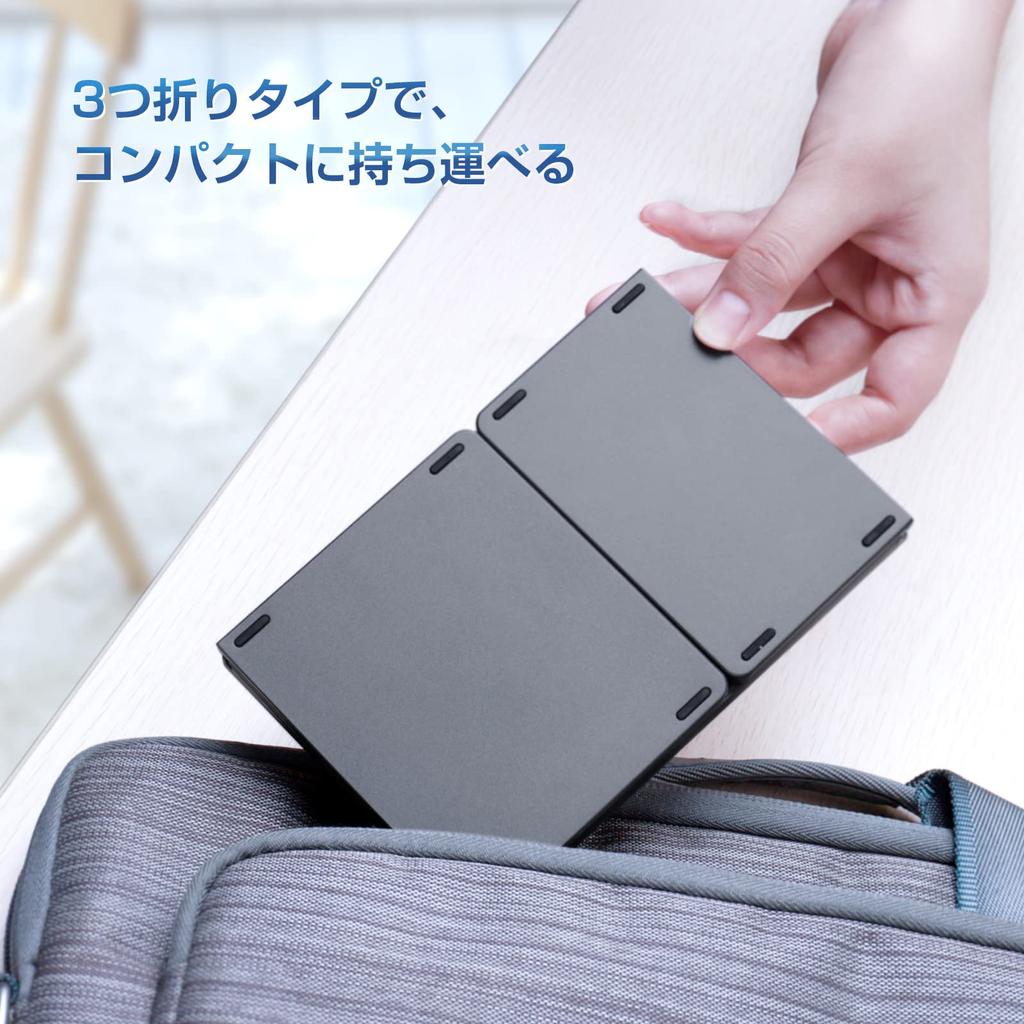
✅【Significantly Improved Touchpad】 Please note: This keyboard is not compatible with all Android 12 models. While retaining the traditional tri-fold pocket size, lightweight design (229g), and sleek matte finish, the touchpad has been significantly enlarged. Furthermore, it now includes left and right click buttons, a welcome addition for Windows users, making it even more intuitive to use! Please read our user experience article here! ⇒【https://bit.ly/3O40rWf】
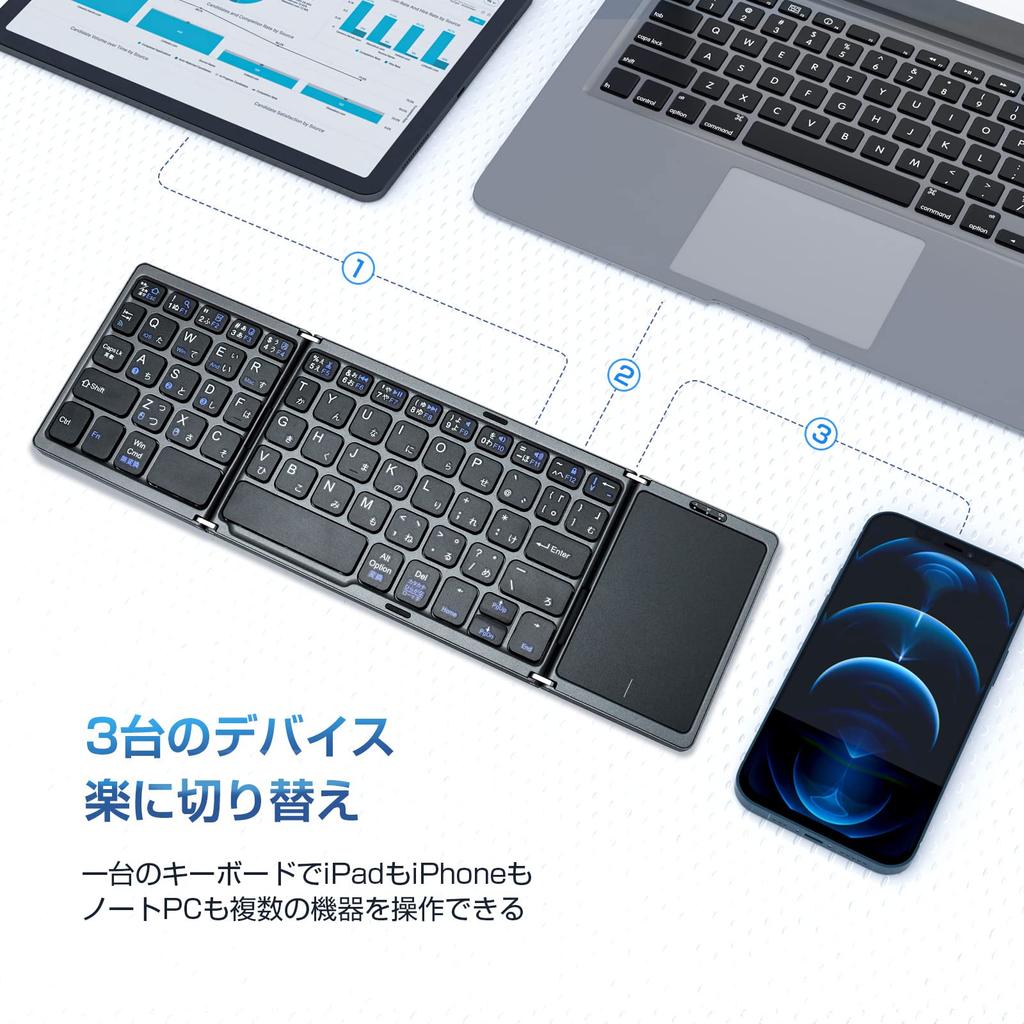
✅【Multi-Pairing Function: One Device for PCs and Smartphones】 Supports multi-pairing for use with up to 3 devices. While working on your PC at home, you can instantly switch to your smartphone or tablet to reply to LINE messages with the press of a button – incredibly convenient! Incidentally, using a Bluetooth keyboard with your laptop can improve your posture.
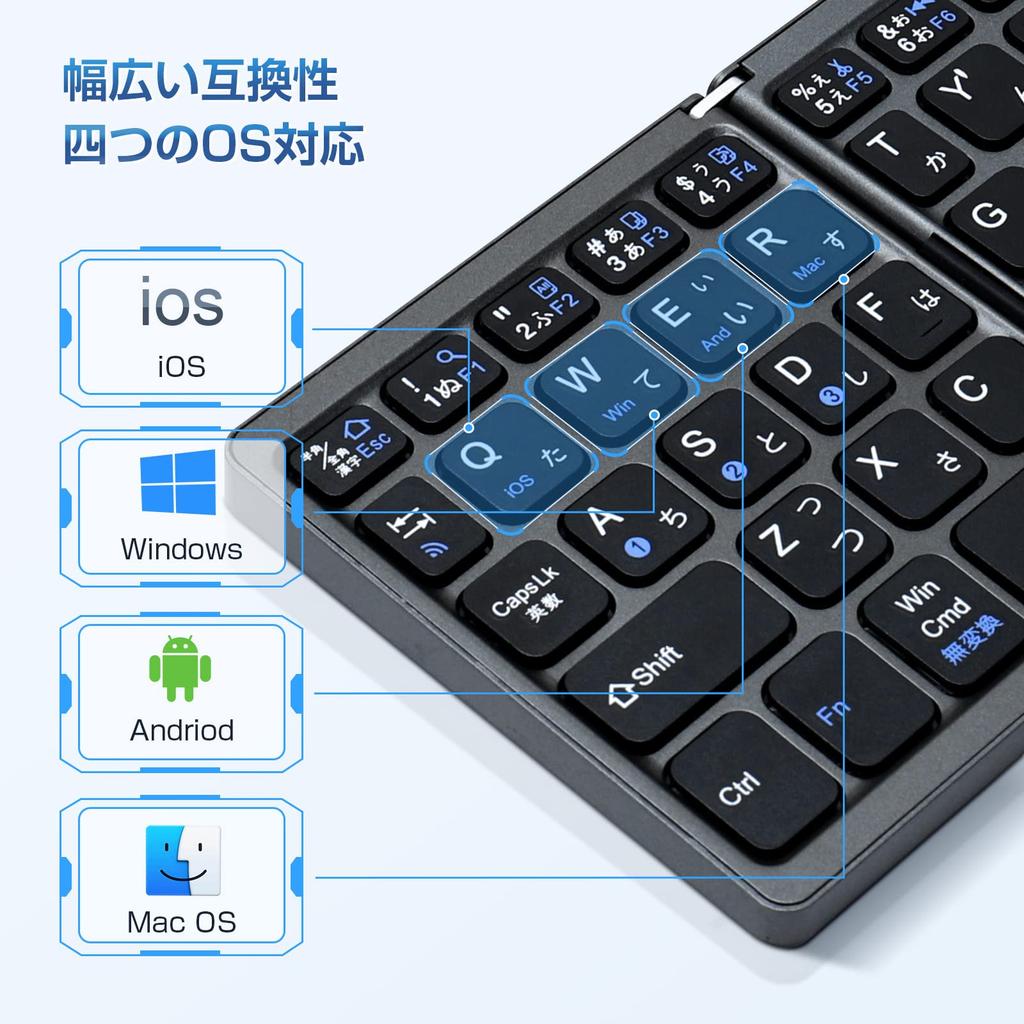
✅【Bluetooth 5.1 High-Speed Connection: Compatible with 4 OS】 Adopting the latest Bluetooth 5.1, it achieves more stable and high-speed transmission. For example, it works perfectly even when connecting to an internet TV located quite far away. It includes settings for four operating systems: iOS, Windows, Mac, and Android, and you can switch modes with a single button.
✅【Easy-to-use JIS Japanese layout & 6 rows, 63 keys】This keyboard features a natural Japanese layout and 13 shortcuts for copy, cut, paste, and more. The "scissor-switch mechanism" allows for comfortable typing with the same light force as a laptop, making it perfect for long work sessions! It might even improve the quality of your work! The quiet keyboard won't disturb others when working in a cafe.
✅【Type-C rechargeable for long-lasting use】The USB Type-C charging port is convenient and reversible. A 2-hour charge provides approximately 60 hours of use. It also features an "auto-sleep mode" that automatically turns off the power after a period of inactivity, so you can use it without worrying about charging. While fast charging can damage this keyboard, please use a charger of 5V2A or higher. ❊Note: After turning on the power switch of this keyboard, the first LED lamp on the right (power lamp) will light up red for a few seconds before turning off. After charging, when you turn on the power switch, the first LED light on the right (power indicator) will also light up red for a few seconds before turning off. This is normal and does not indicate that the keyboard is not charging.





 Niet geleverd, dan geld terug