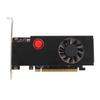
Feature:
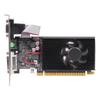
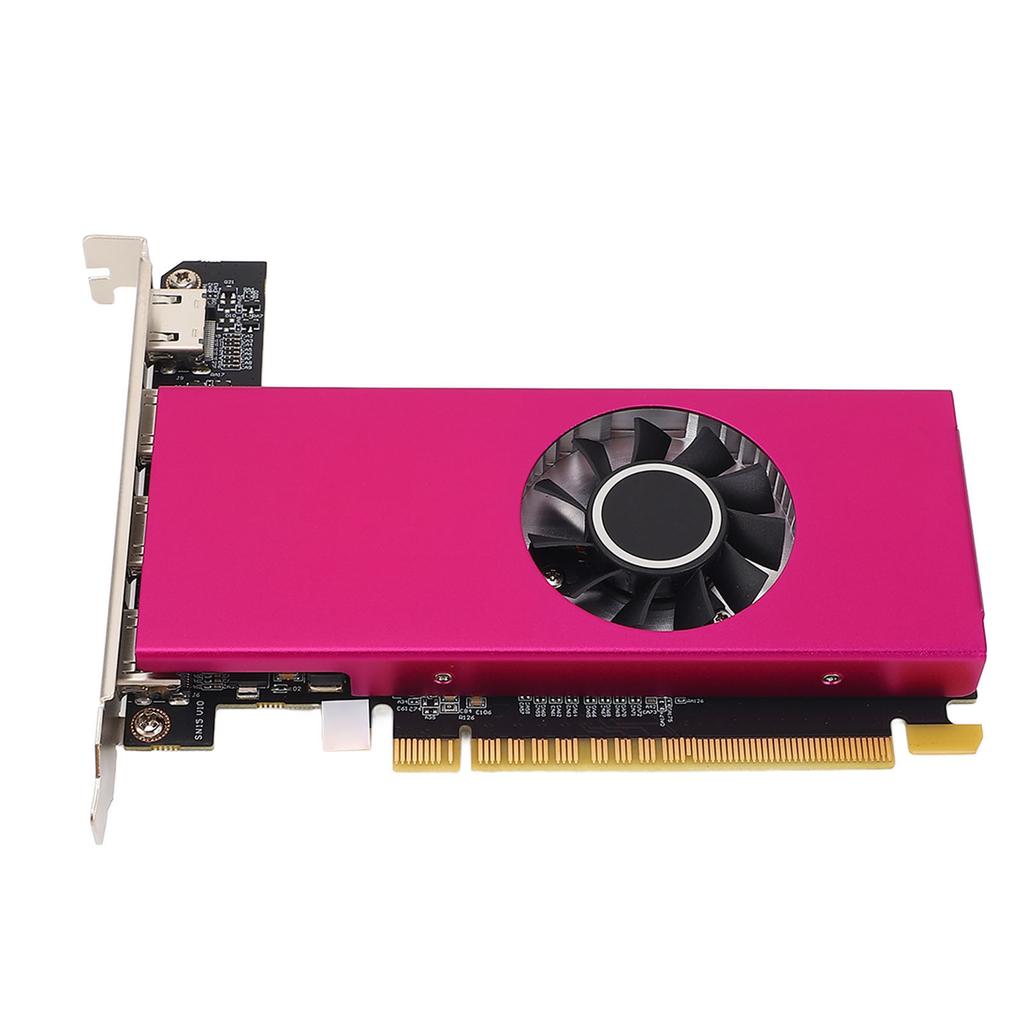
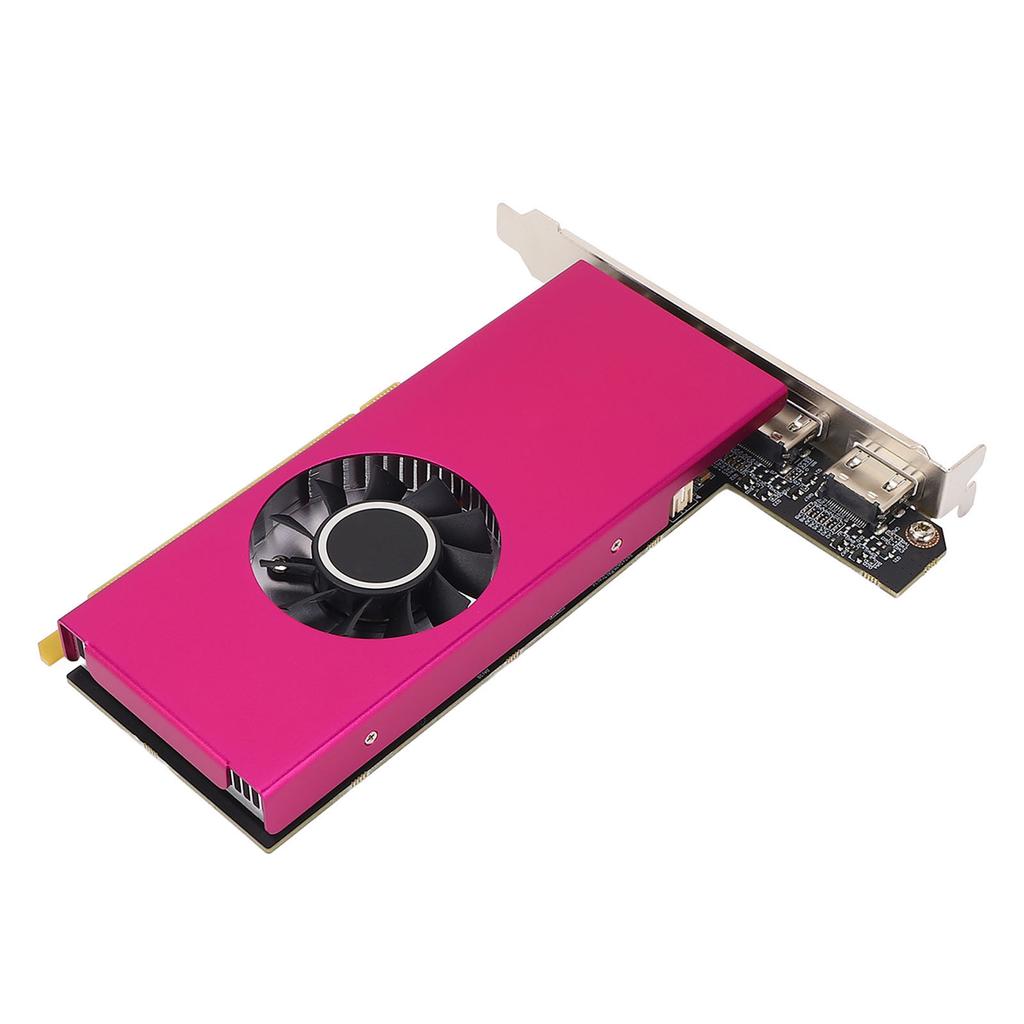
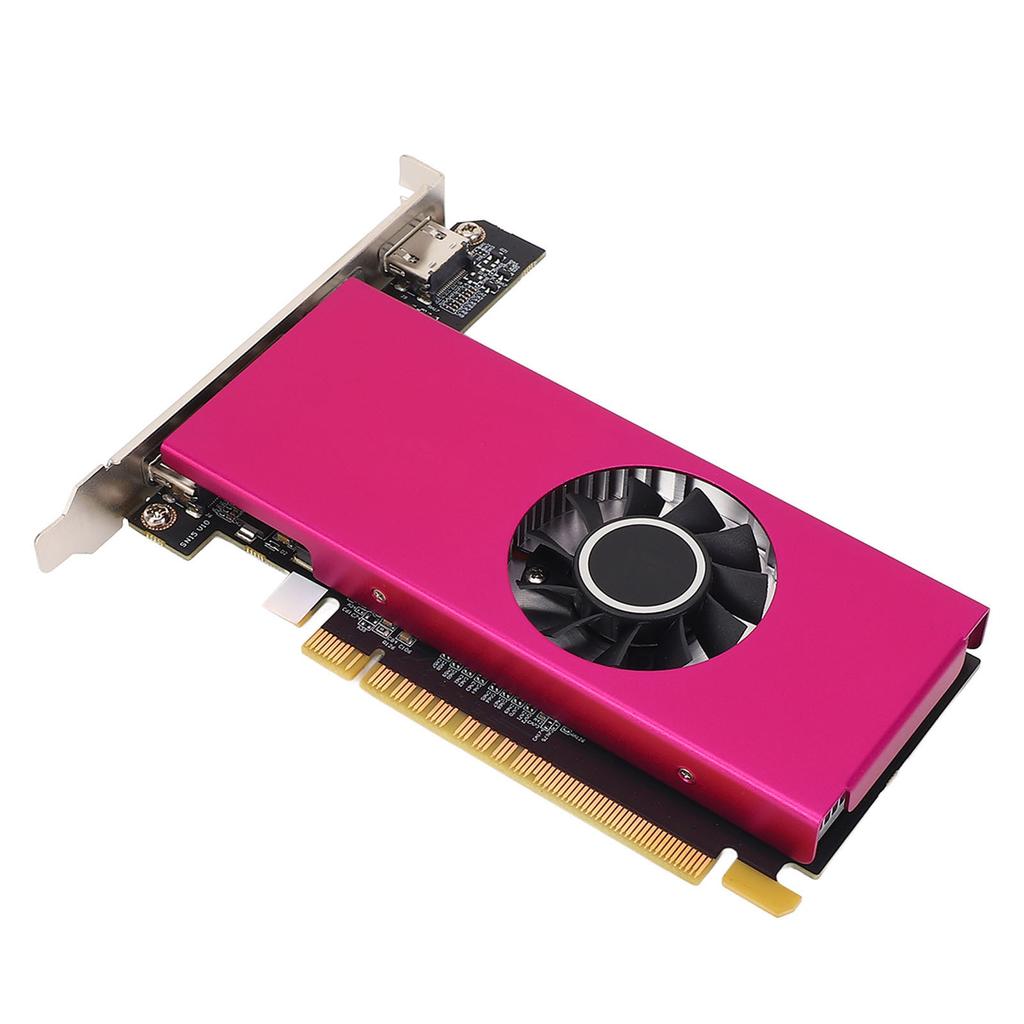
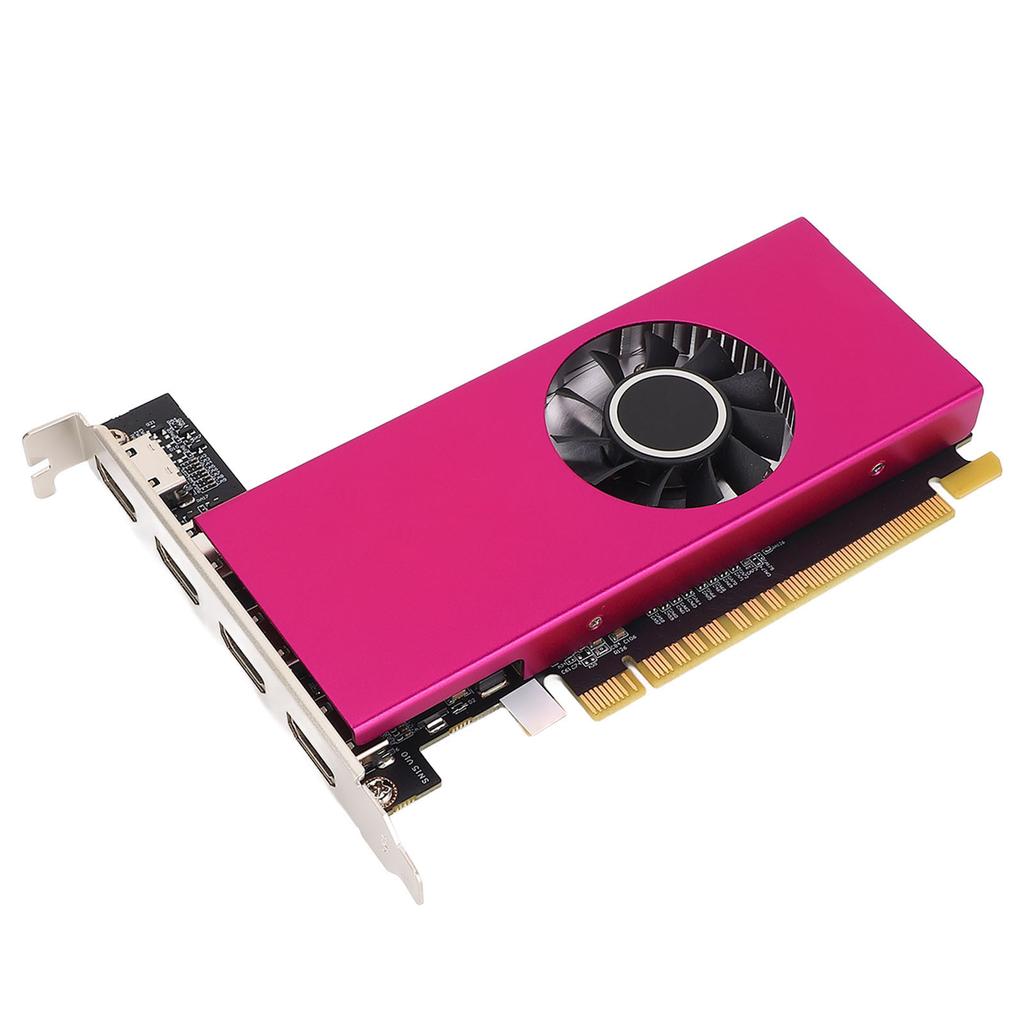
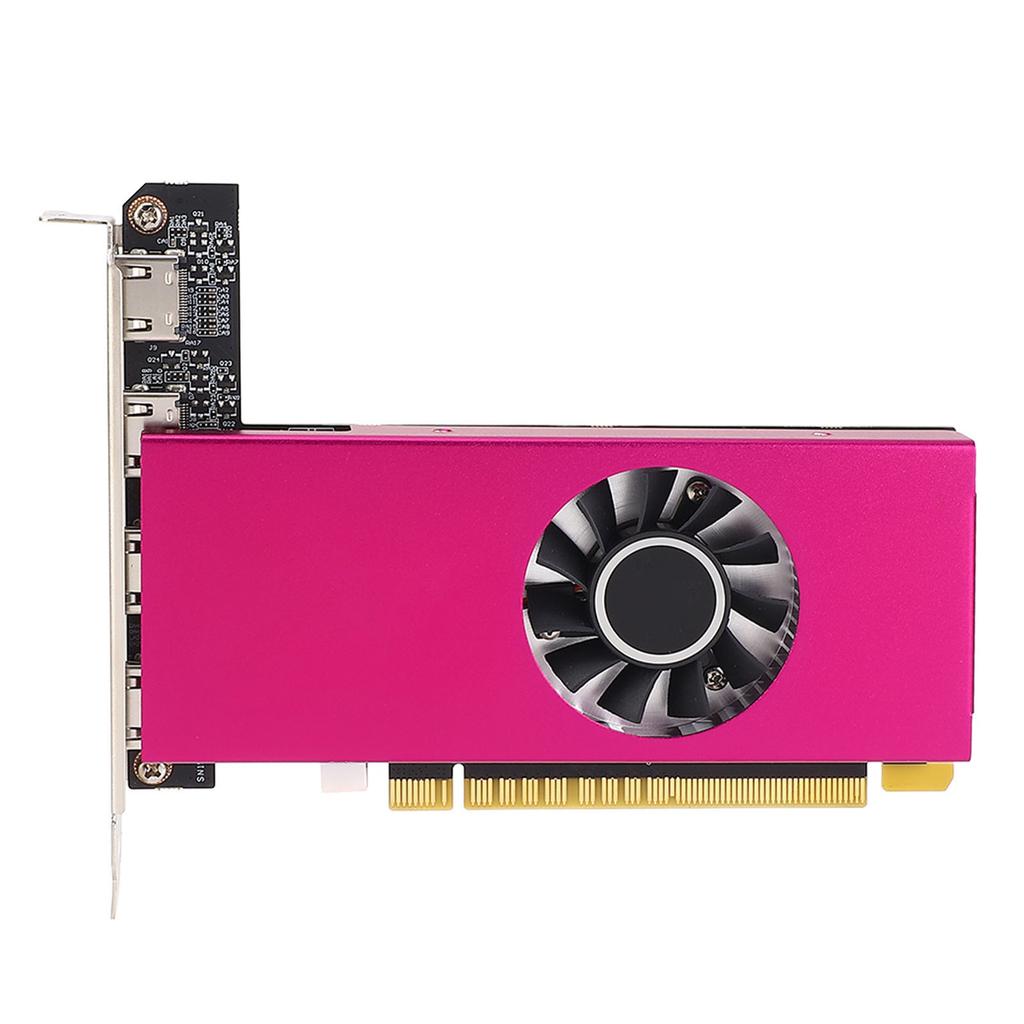
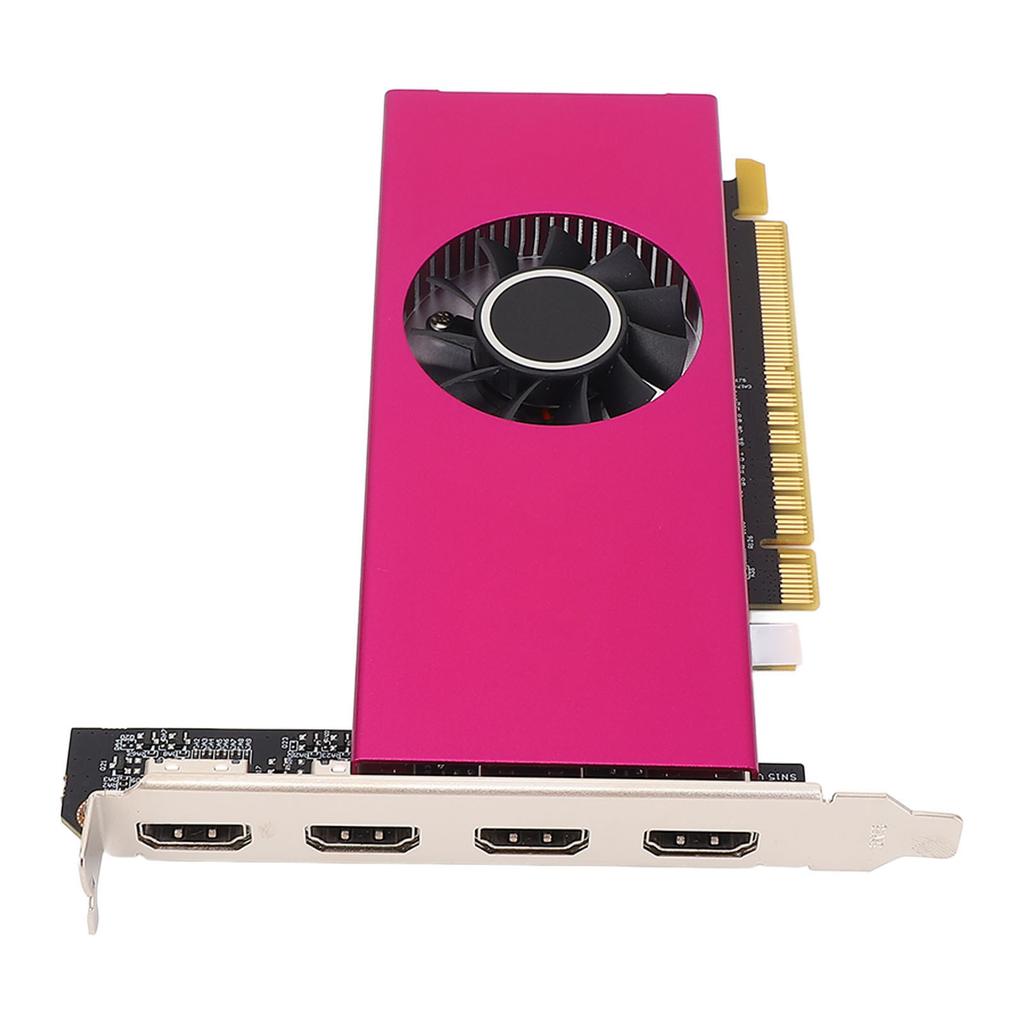
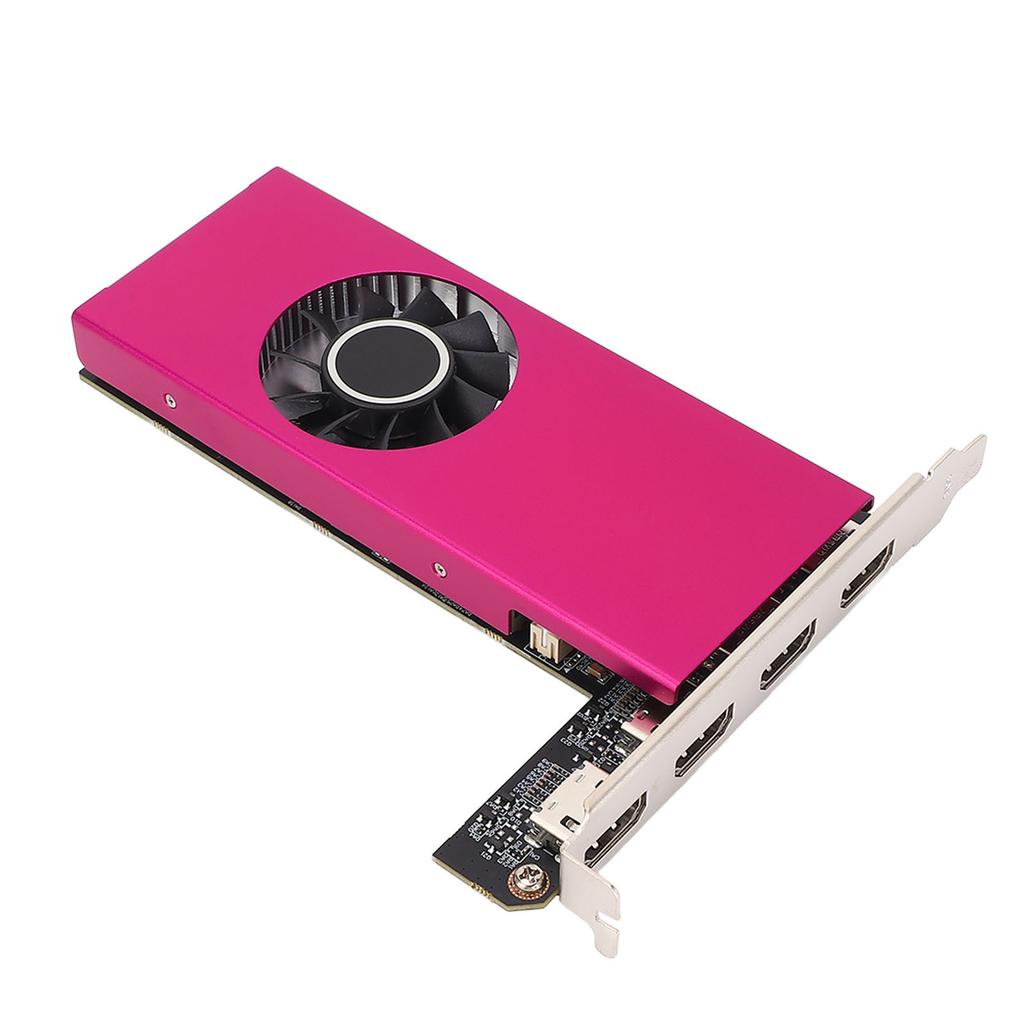
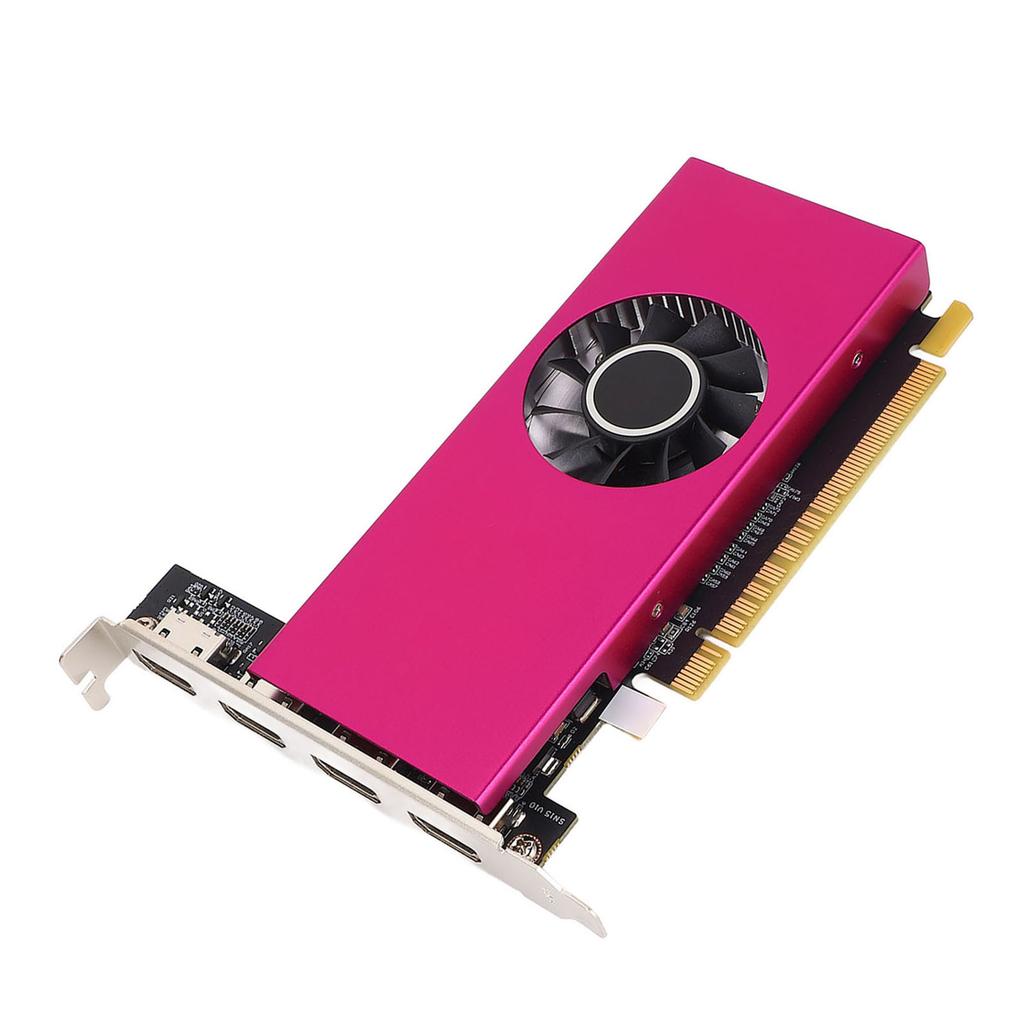
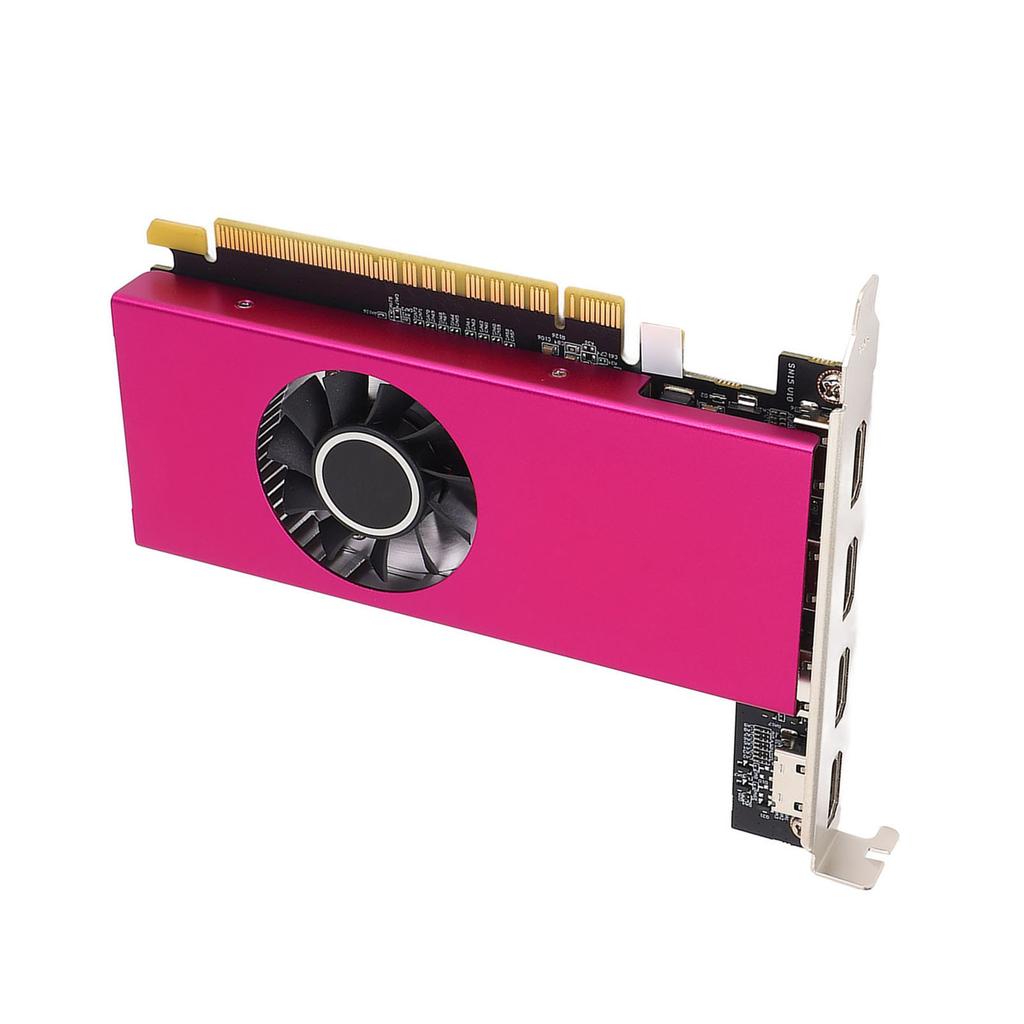
1. HIGH PERFORMANCE: 4 screen viewing, 4 HD multimedia interface point to point output. Supports HD multimedia interface direct connection, supports VGA DVI D display output via conversion. Supports independent split display, synchronous replication display, full screen merge display.
2. PROFESSIONAL DESIGN: Supports 10 bit color depth for richer color layers and more normal transitions. Meets the strict color requirements of professional photography post processing designers.
3. HDR TECHNOLOGY SUPPORT: 4K+HDR technology for clearer, brighter large images, significantly enhancing image clarity, brightness, and color, displaying outstanding details in dark and light areas that were previously unable to be shown.
4. POWERFUL PERFORMANCE: 2GB DDR3 (64bit) graphics card with powerful image processing capabilities, 902MHz core frequency, 1600MHz memory frequency, ensuring stable performance for your gaming and graphic intensive applications.
5. STRONG COMPATIBILITY: Compatible with for Wins 7 10 (32 64) operating systems. Requires an active chip based conversion cable for HD multimedia interface to VGA conversion. All adapters used must support 4K 2K 1080P resolution at 60Hz refresh rate.
Specification:
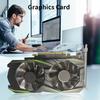
Item Type: Graphics Card
Material: PCB+Aluminum
Core Code and Process: GK208 28nm
Core Frequency Memory Frequency: 902 1600MHz
Memory Capacity and Specification: 2G 64bit DDR3
3D Features: DirectX 11 OpenGL 4.6
Other Features: Middle two HD Multimedia Interface ports without sound
OS Features: for Wins 7 10 (32 64)
Cooler: Y15G S
Bus Interface: PCI E 2.0 x 8
Output Interface: HD Multimedia Interface x4
External Power: None
Low Profile Bracket: Not supported
Product Installation:
1. Turn off the power and disconnect all cables, open the computer case.
2. If there is any other graphics card installed on the motherboard, remove it first, then insert the new graphics card into the PCI Express X16 slot on the motherboard.
3. If the graphics card comes with an additional power input interface, find the corresponding plug on the main power supply, plug it into the graphics card, use these adapter plugs, and connect the graphics card to provide sufficient power.
4. Tighten the fixing screws on the graphics card bracket to ensure the graphics card is securely fixed.
5. Close the casing, reconnect all peripheral device cables, and then plug the display cable into the corresponding interface on the graphics card.
6. If you need to use the TV OUT, HD multimedia interface, DisplayPort, or other interfaces of a TV or display device, first confirm whether the graphics card has the corresponding interface. If so, directly use the appropriate cable to connect the display device and the graphics card. For detailed debugging and other functions of these devices, please touch directly, and we will do our best to meet your needs.
Driver Installation:
1. The graphics card driver installation requires the first startup after the graphics card hardware is installed.
2. Graphics cards are divided into two series based on the chipset. Please select the appropriate driver installation according to the actual product information. You can complete the driver installation by following the steps below: Step 1: After the system boots up, go to the official website, and click to enter the product center. Step 2: Check the model number of your graphics card on the box, or the product nameplate on the back of the card. Step 3: According to the specific model number of your graphics card, go to the corresponding product page, click Driver Download , and download the corresponding driver according to the version of the operating system that you have installed. Download the corresponding driver according to the version of the operating system you have installed. Step 4: After the driver download is complete, double click the file to start the installation, please follow the instructions of the installation wizard to install. After the installation is complete, restart your computer..
Package List:
1 x Graphics Card


 Niet geleverd, dan geld terug