-----------------------------------------------------------------------------------
🛍️ Shop with Confidence
Thank you for visiting Favorite Fun Hub.
We carefully select and deliver quality items from Japan to customers worldwide.
🔹 Direct Shipping from Japan
All items are carefully packed and shipped directly from Japan.
🔹 Quality Checked
Products are inspected before shipment to ensure good condition.
🔹 About Manuals
If included, manuals are primarily in Japanese.
We recommend using translation apps if needed.
🔹 Warranty Information
Any manufacturer's warranty, if included, is valid only within Japan.
🔹 Power Plug
Electrical products from Japan may come with a Type A plug.
If your country uses a different plug type, a suitable plug adapter may be required.
-----------------------------------------------------------------------------------
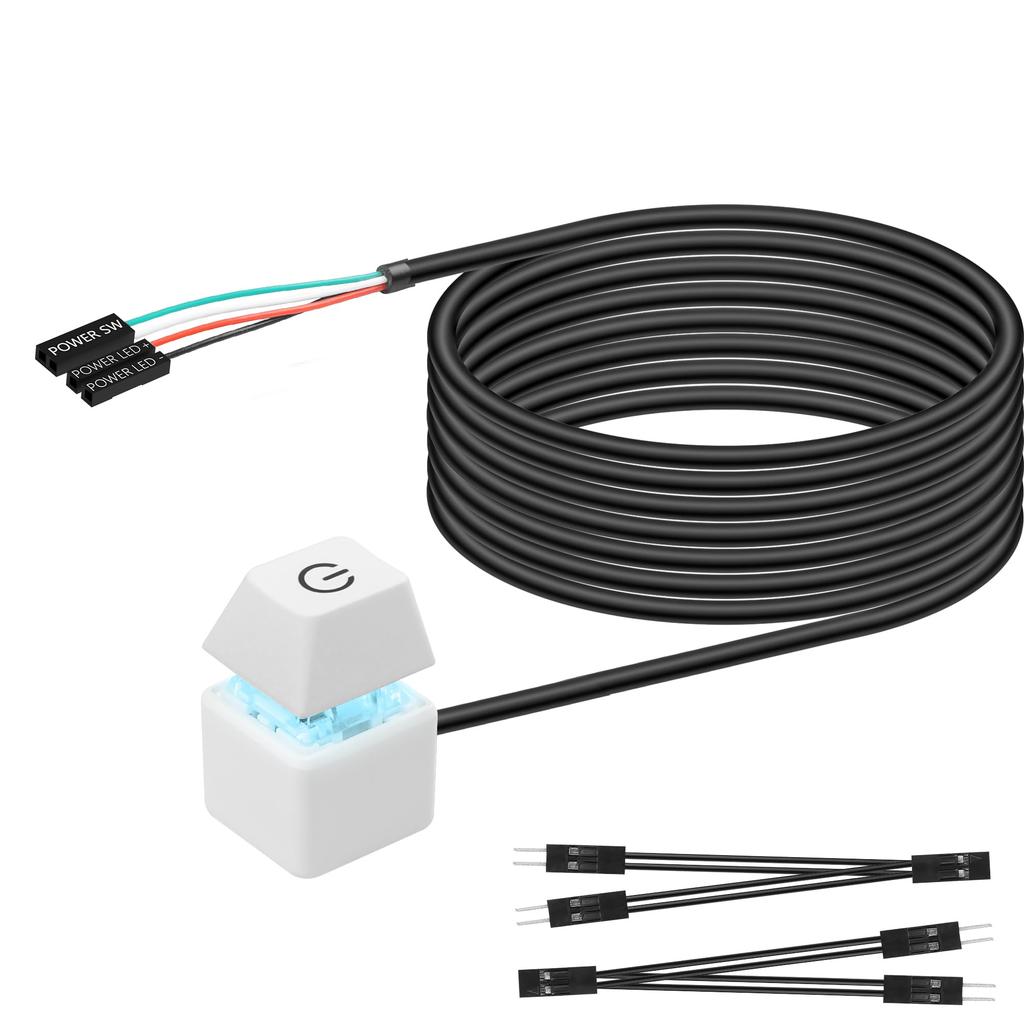
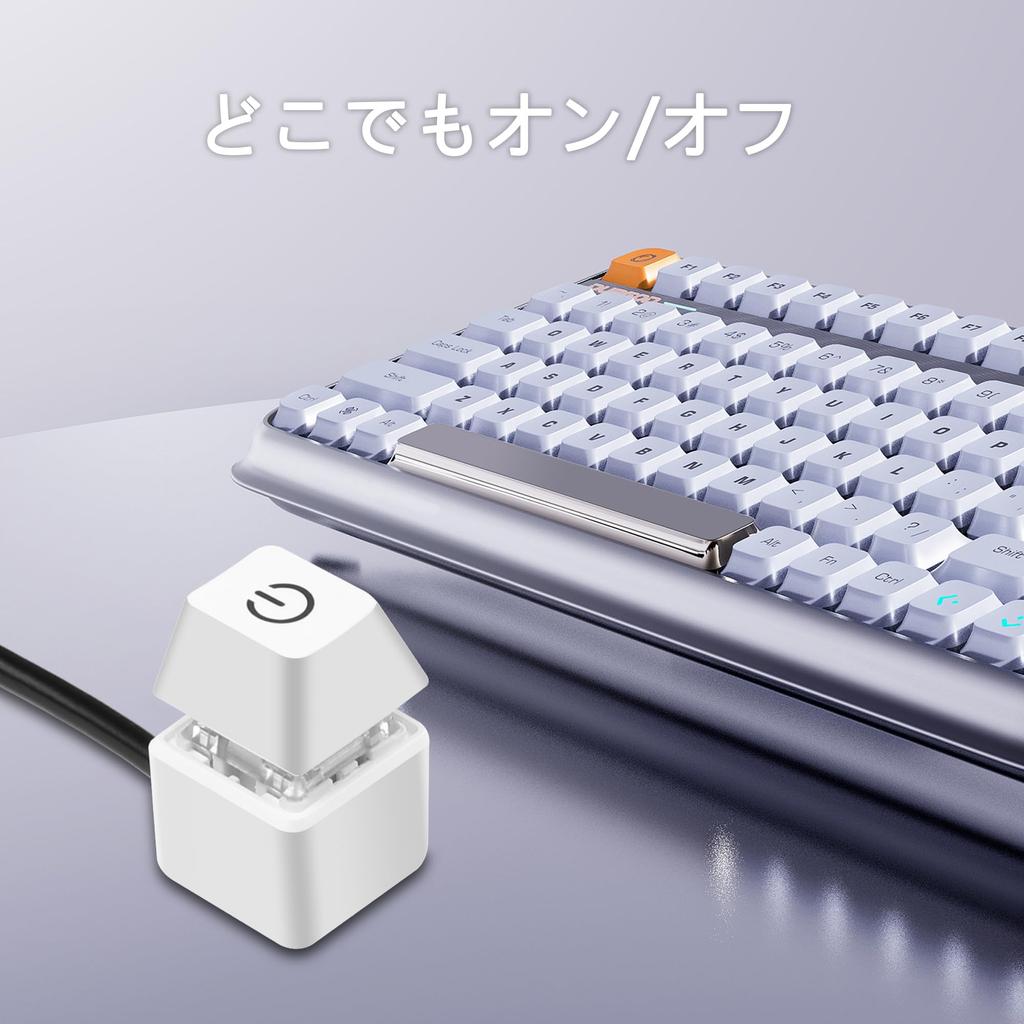
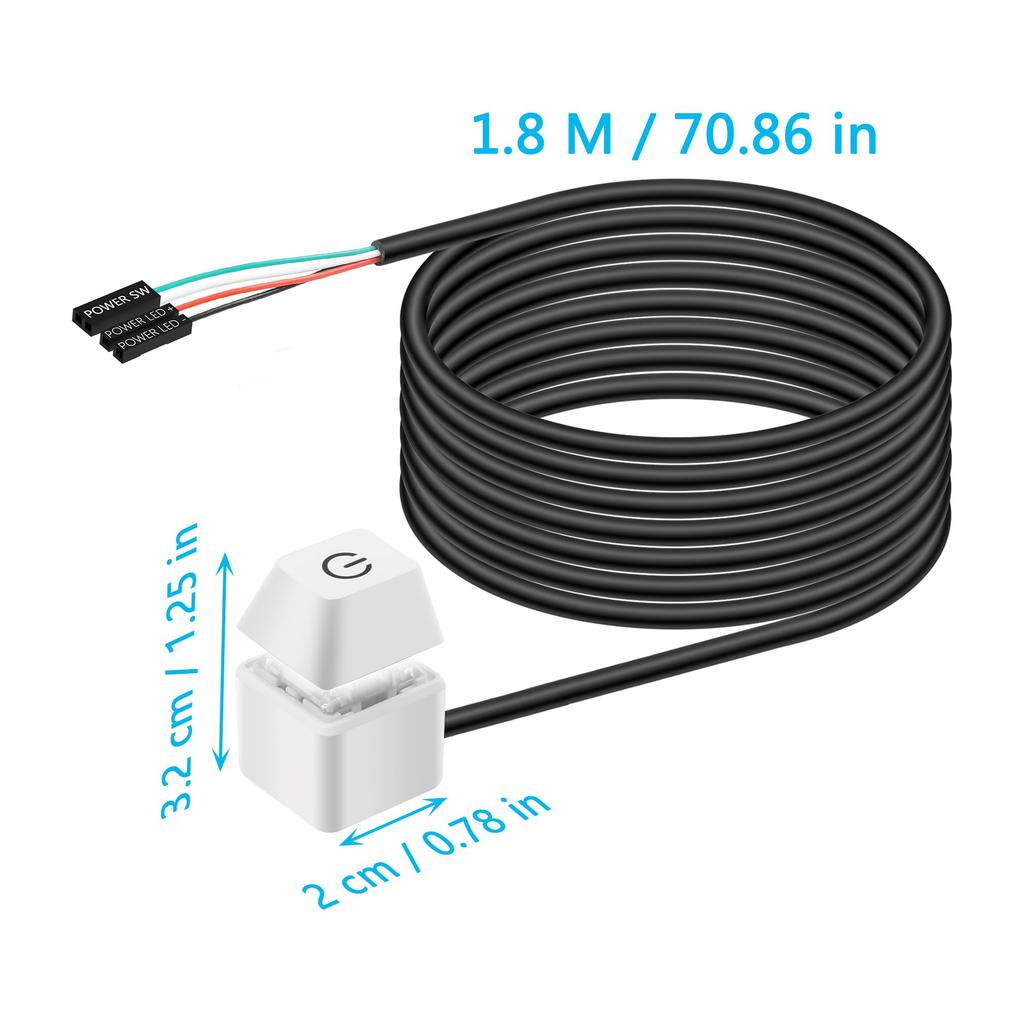
Desktop external switch: Use a power switch with a long cable to add an on button or extend it to a more convenient location.
Choose either the power switch on the remote computer or the host switch: If you want to use both the original computer's power-on button and the external power-on button simultaneously, simply plug in the two included 1-in-2 splitters. This will retain the original power-on/off function while allowing you to power on with the external power button. Operation is simple.
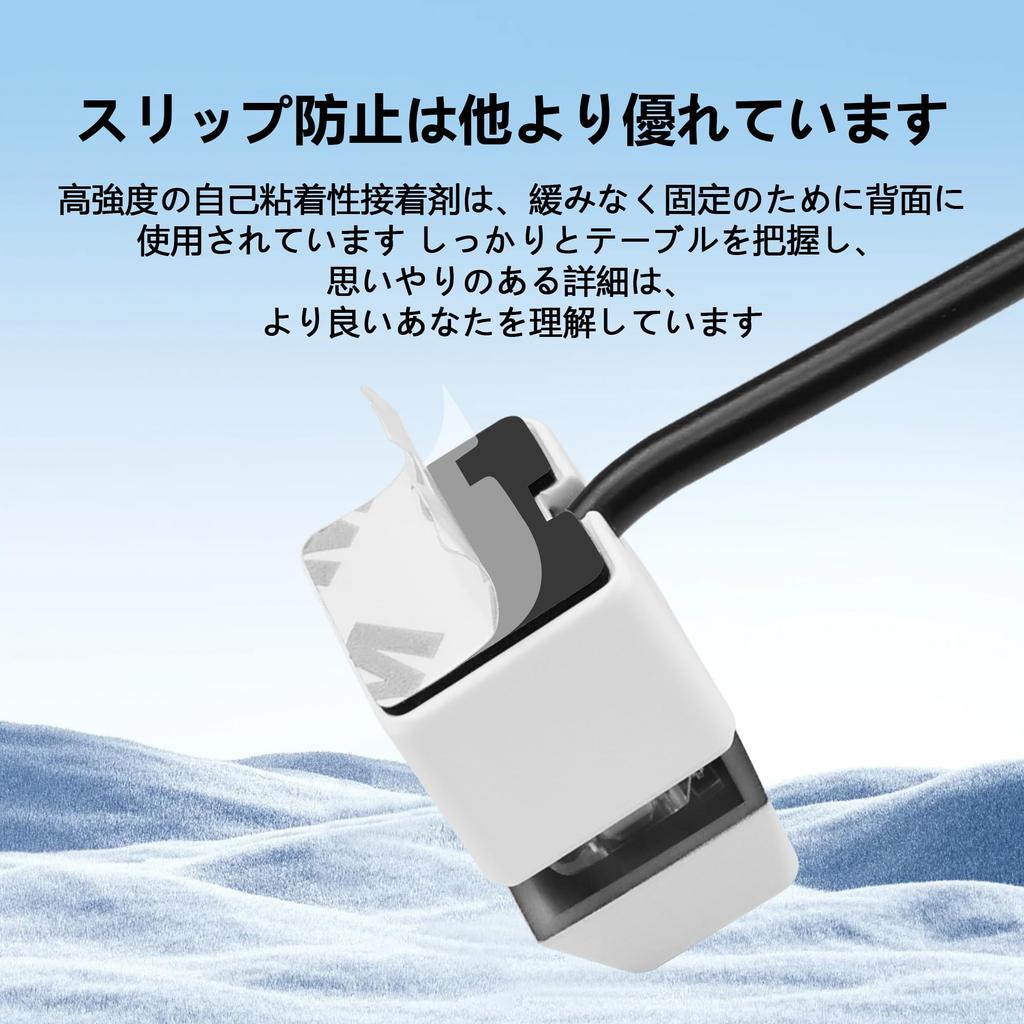
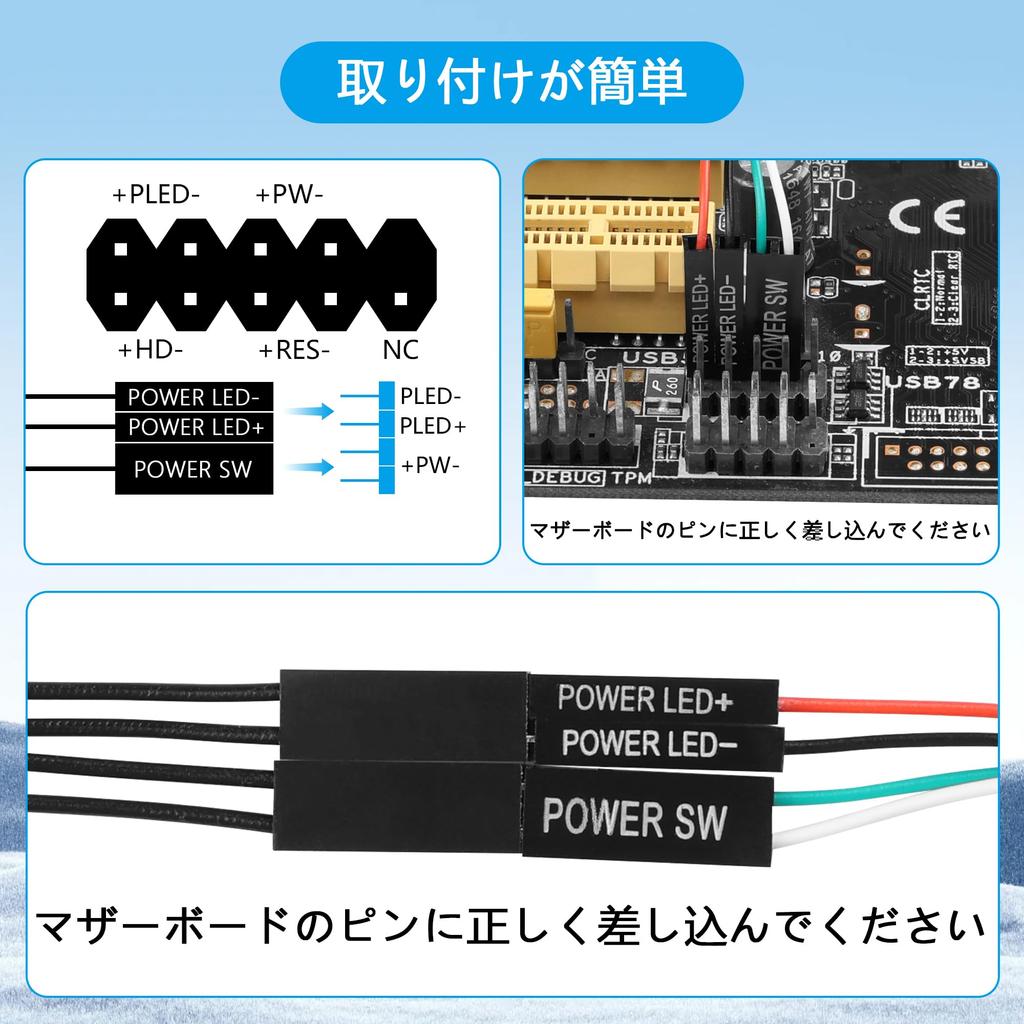
Installation is easy: Simply connect the POWER LED+, POWER LED-, and POWER SW connectors to the motherboard and attach the adhesive plate in the correct position, or use the magnet.
Design: LED color lighting effects and the feel of mechanical buttons provide a different switching experience.
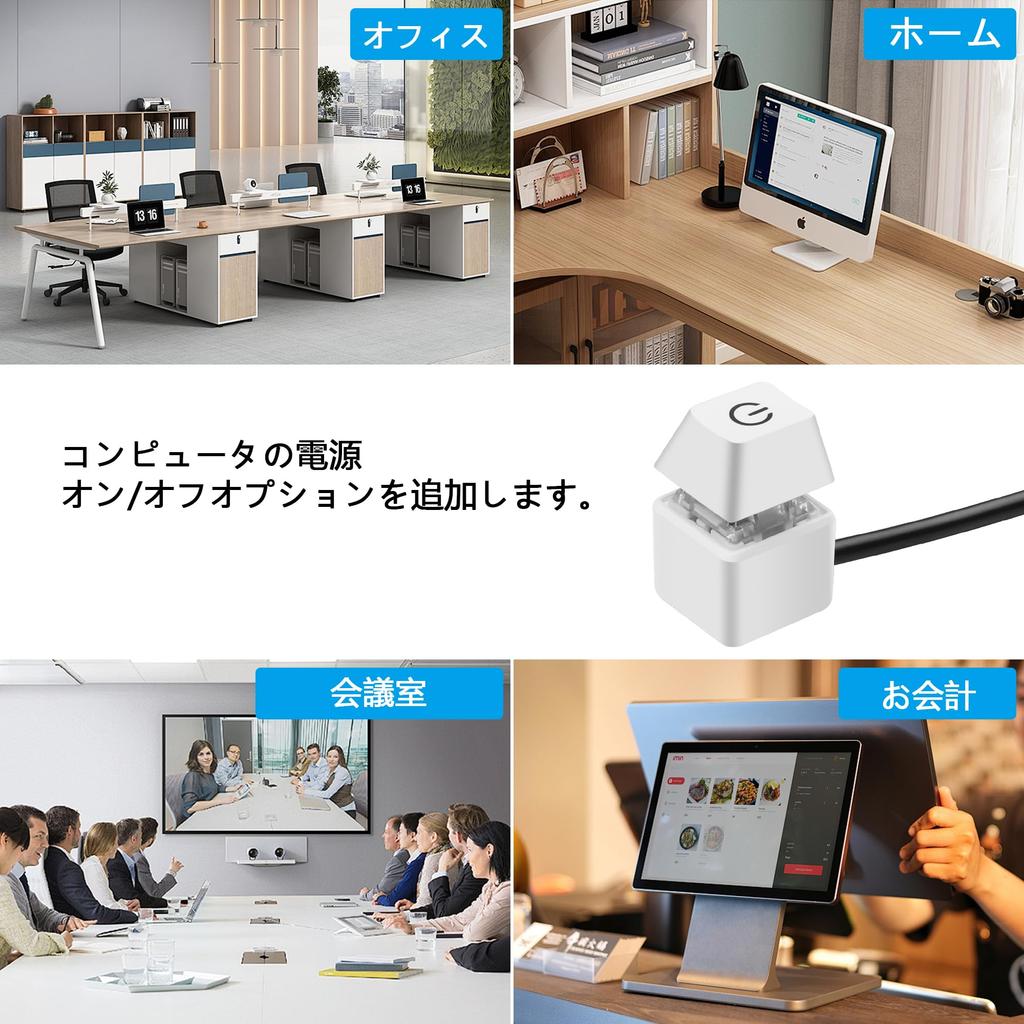
Wide Application: Its cute shape and exquisite workmanship will be loved by people, and it can be given as a gift to computer lovers, family, and friends. This computer power button is suitable for computer host switching cables in internet cafes, homes, hotels, KTVs, schools, companies, etc.
SinLoon Portable Power Switch for Desktop Computer Host Specifications: 4-pin connector: +HDD-/+Power Switch-Male Cable Length: 1.6M/5.2FT Material: Copper + Plastic + ABS Shell Connection Terminals: POWER SW, POWER LED+, POWER LED- Features: 1. Makes your computer easier. 2. Convenient for replacing the switch on a broken PC body. 3. Comes with adhesive stickers. 4. Easy to install. 1) Locate the hole corresponding to the power supply from the back of the chassis and insert the two empty 1-2 splitter terminal wires into the chassis. (If you do not use the original power on button and only use an external extended power on button, the splitter terminal cable is not needed.) 2) Replace the jumpers one by one, making sure not to reverse the LED+ and LED-. 3) After ensuring all terminals are connected correctly, verify that the start button and indicator lights function correctly. 5) If you do not need the LED lighting effect, you can also leave the two POWER LED terminals unconnected. 5. In addition to the power switch, the product has a switch in a convenient location.
Self-adhesive stickers are included for placement. 6. You can also purchase other keycaps instead of switches to better match your computer case and keyboard to your desired theme. Widely used in homes, offices, hotels, internet cafes, etc. Move and use the desktop mechanical switch key switches in an easily accessible location. 7. Packing list: 1* Computer power switch with 1.6M cable; 2* Power switch divider cables; 2* Adhesive paper




 No-delivery refund




![PR11X-1 [For Small Drive Recorder Only] Parking Monitoring Power Cable](https://img.joomcdn.net/36e15bb0e7e02dc25fe989d7b7264226c81ebf9d_100_100.jpeg)