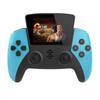
About this item:
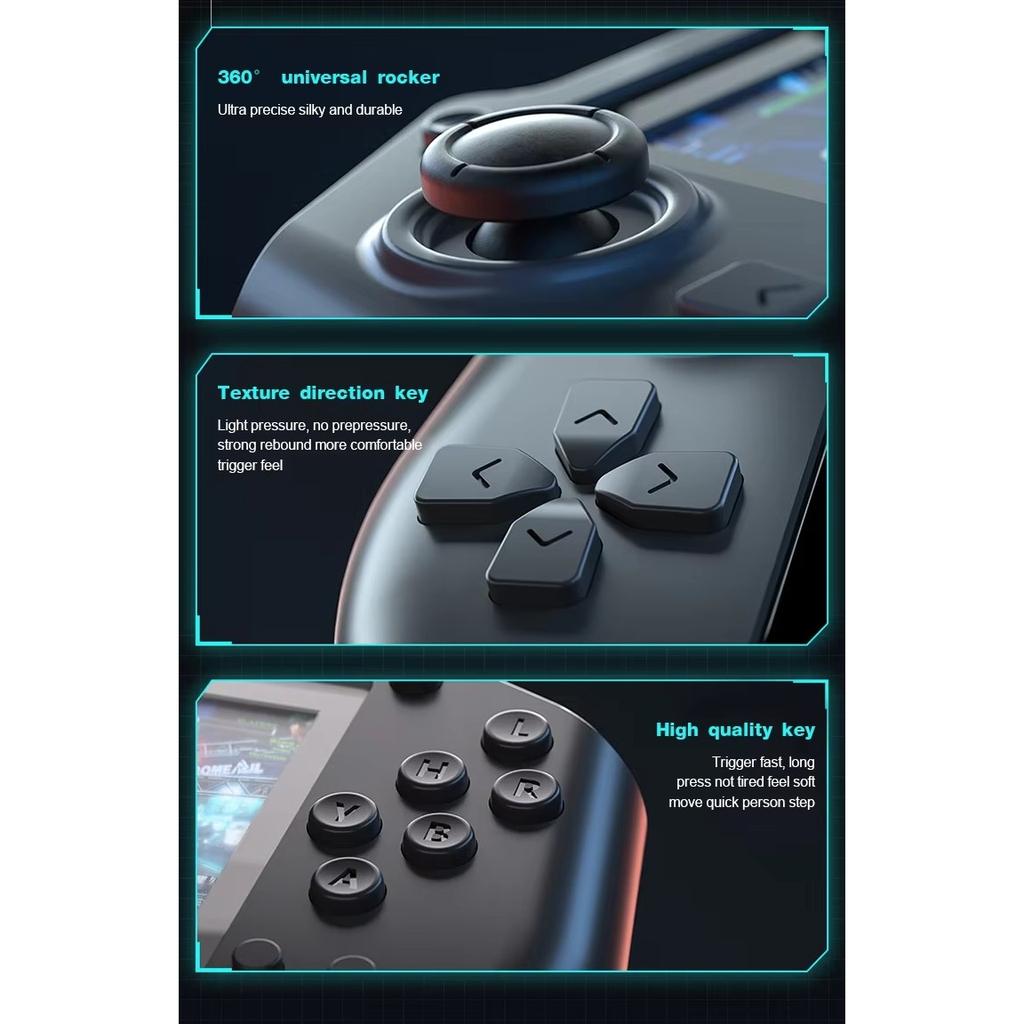
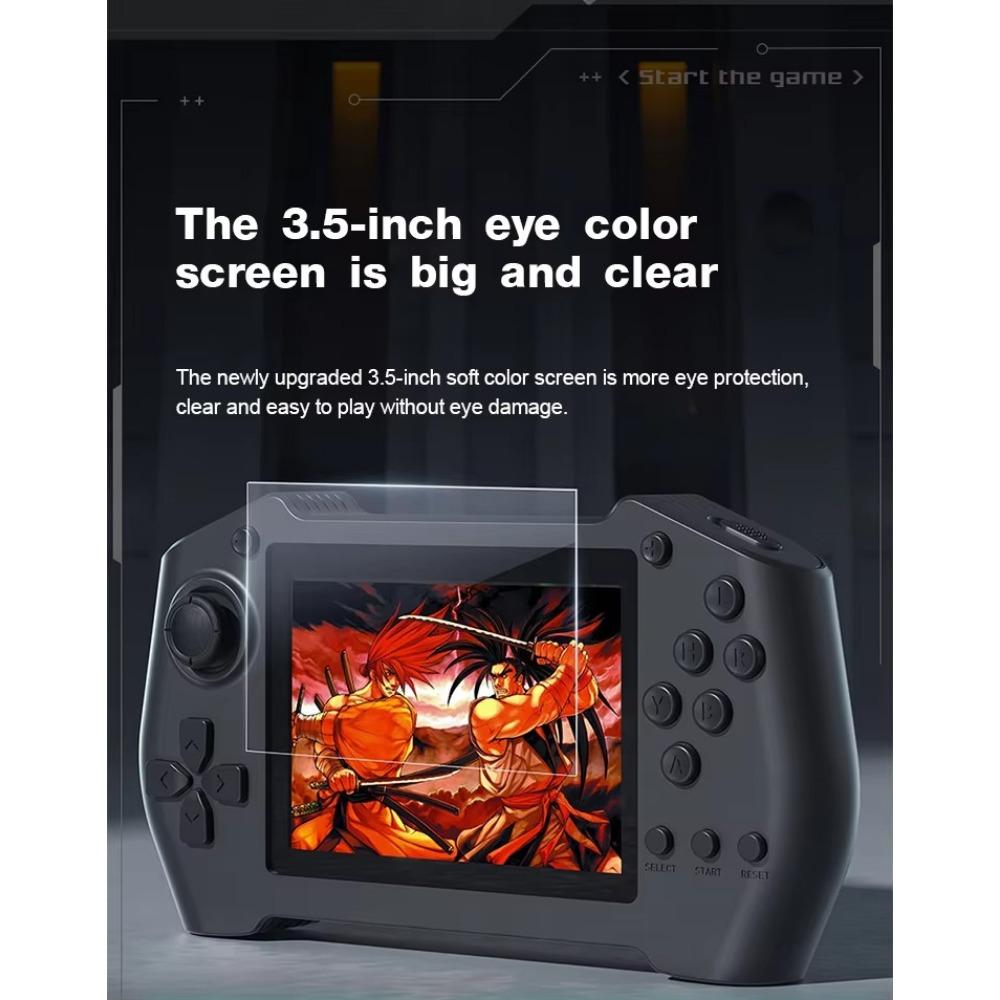
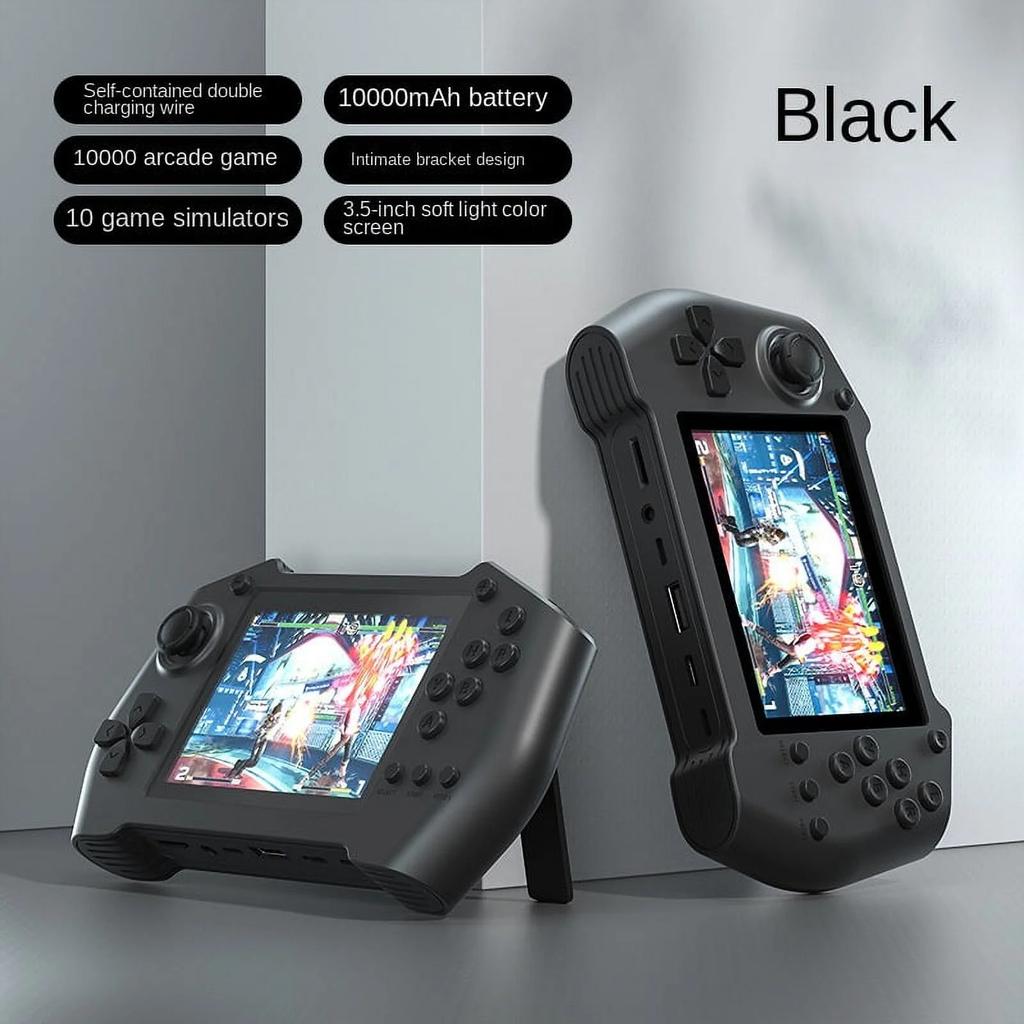
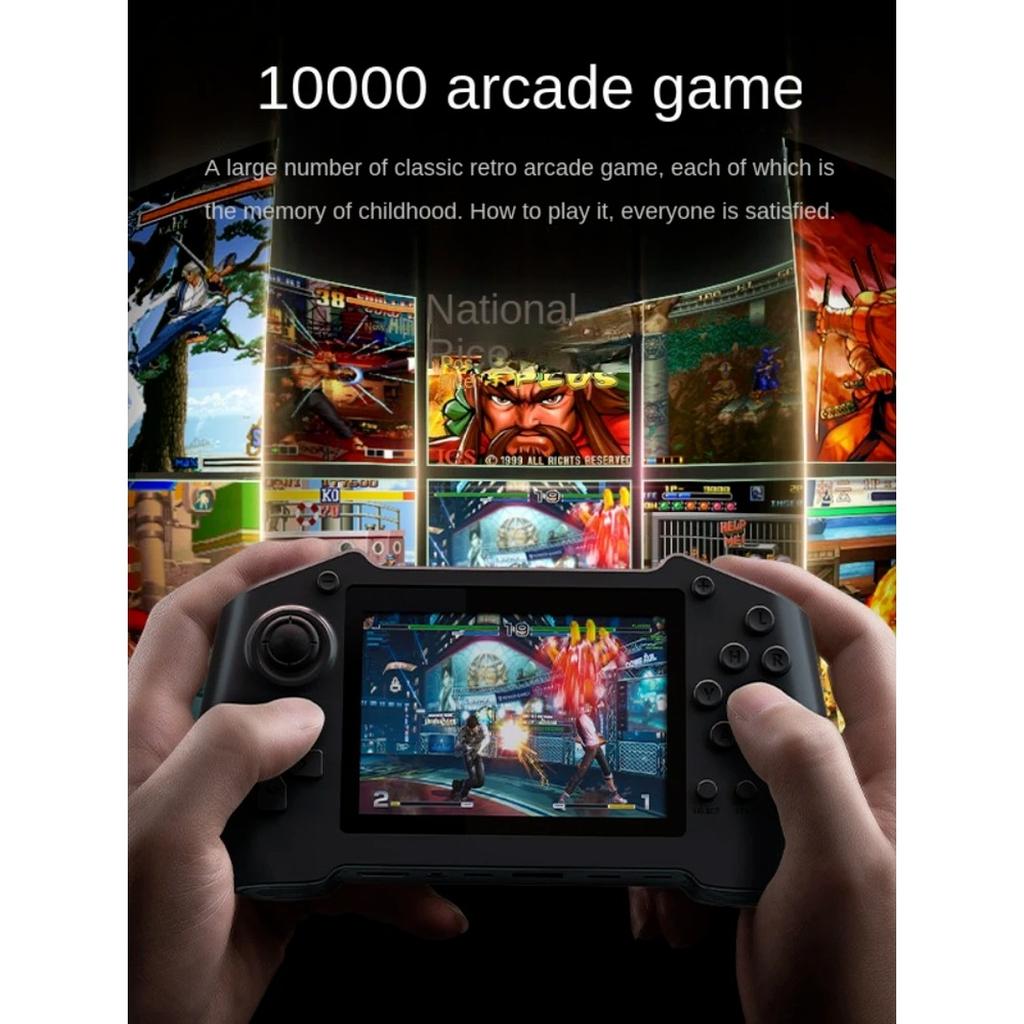
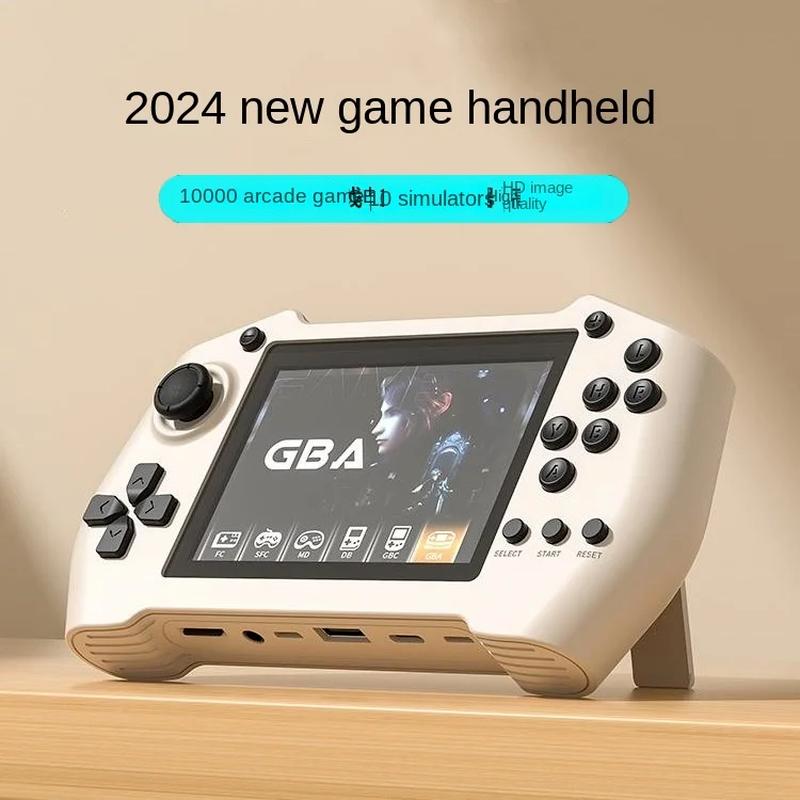
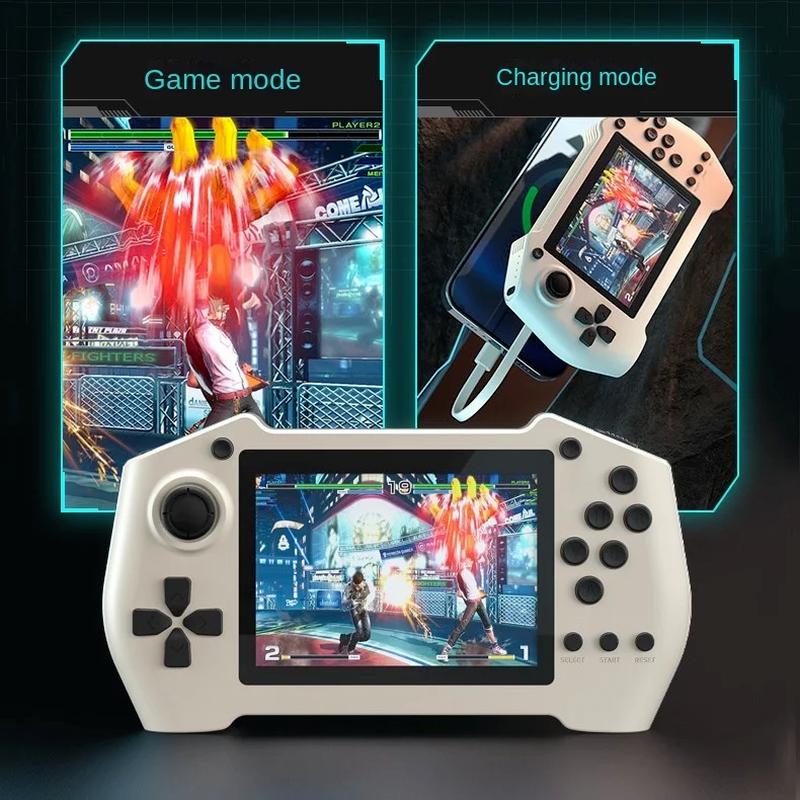
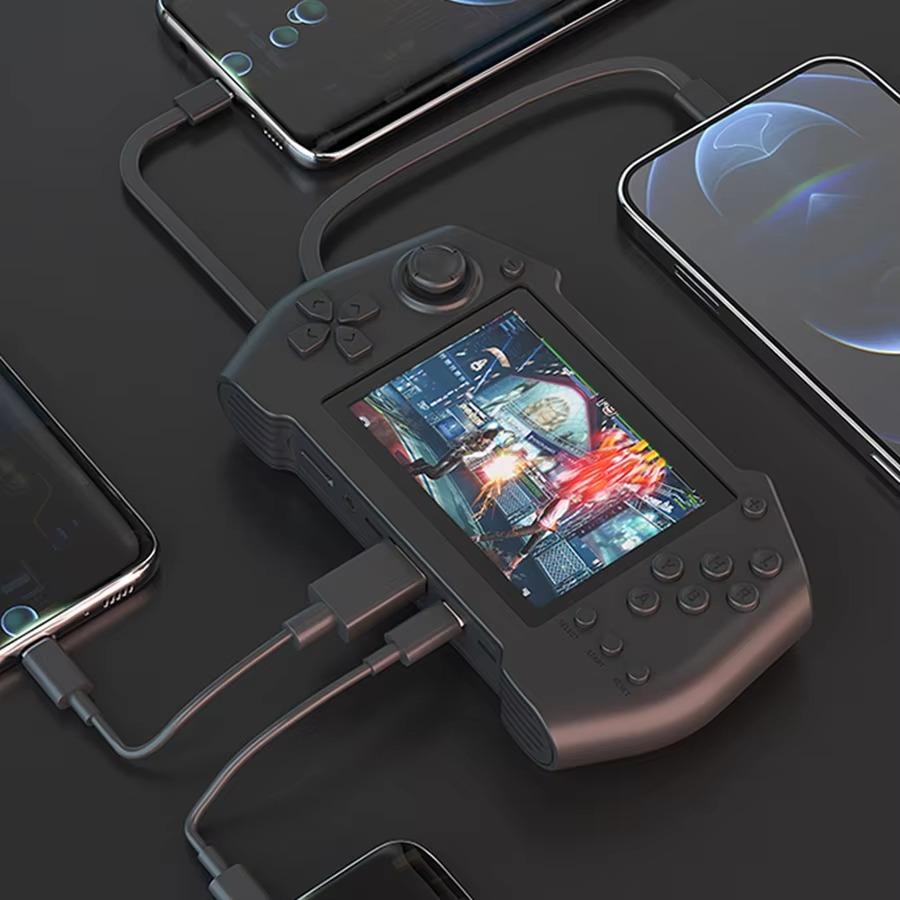
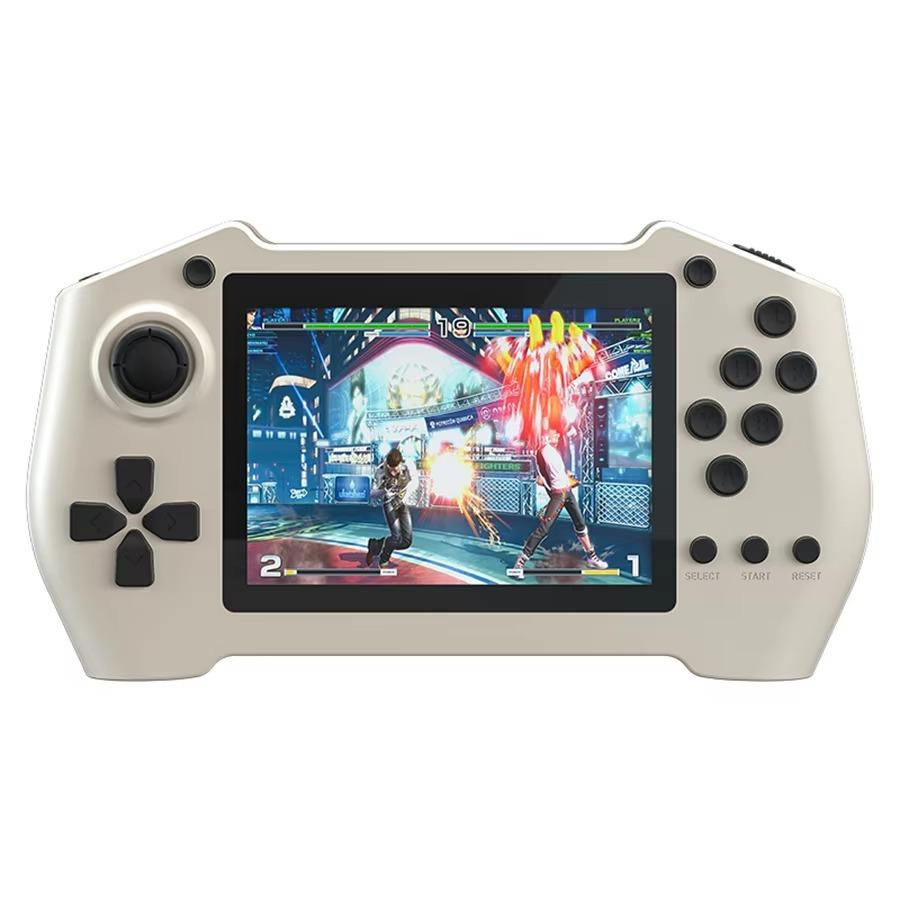
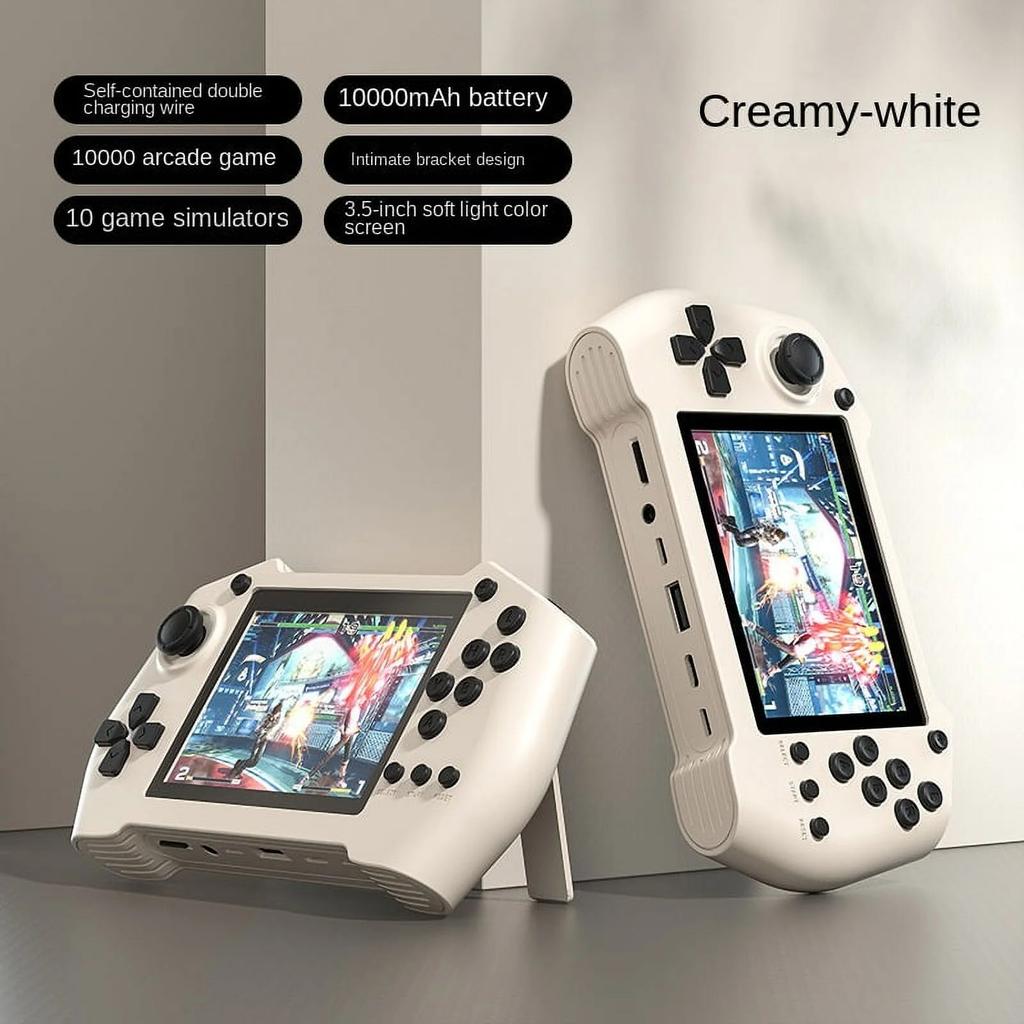
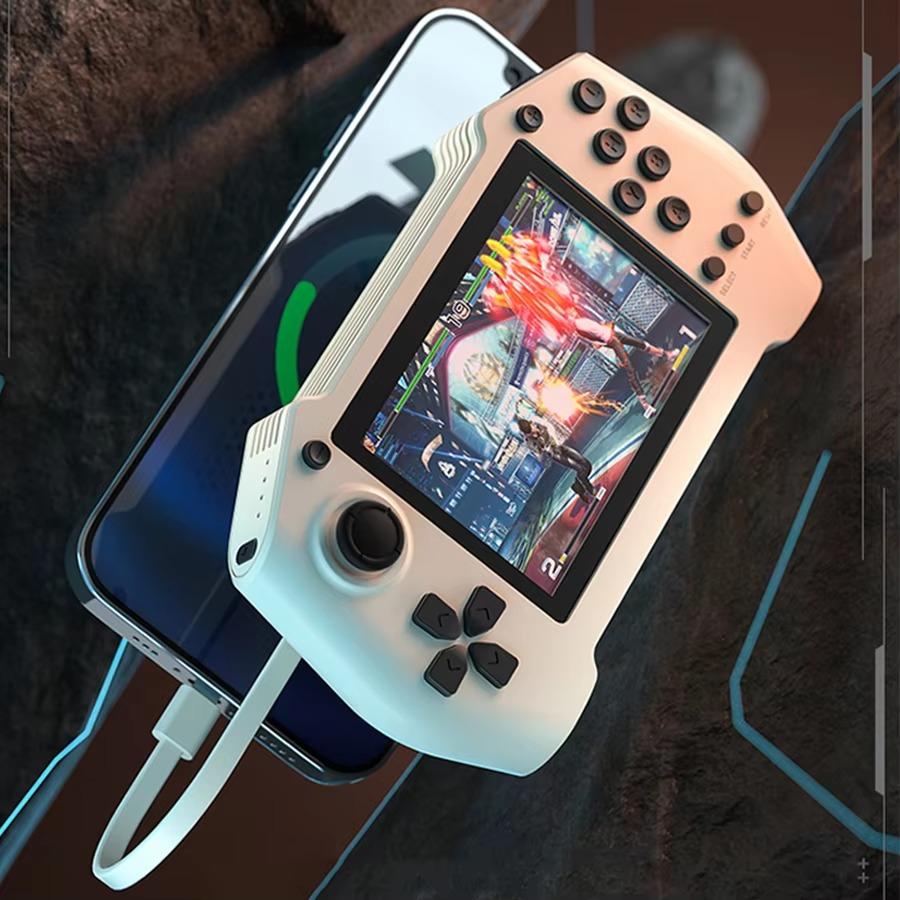
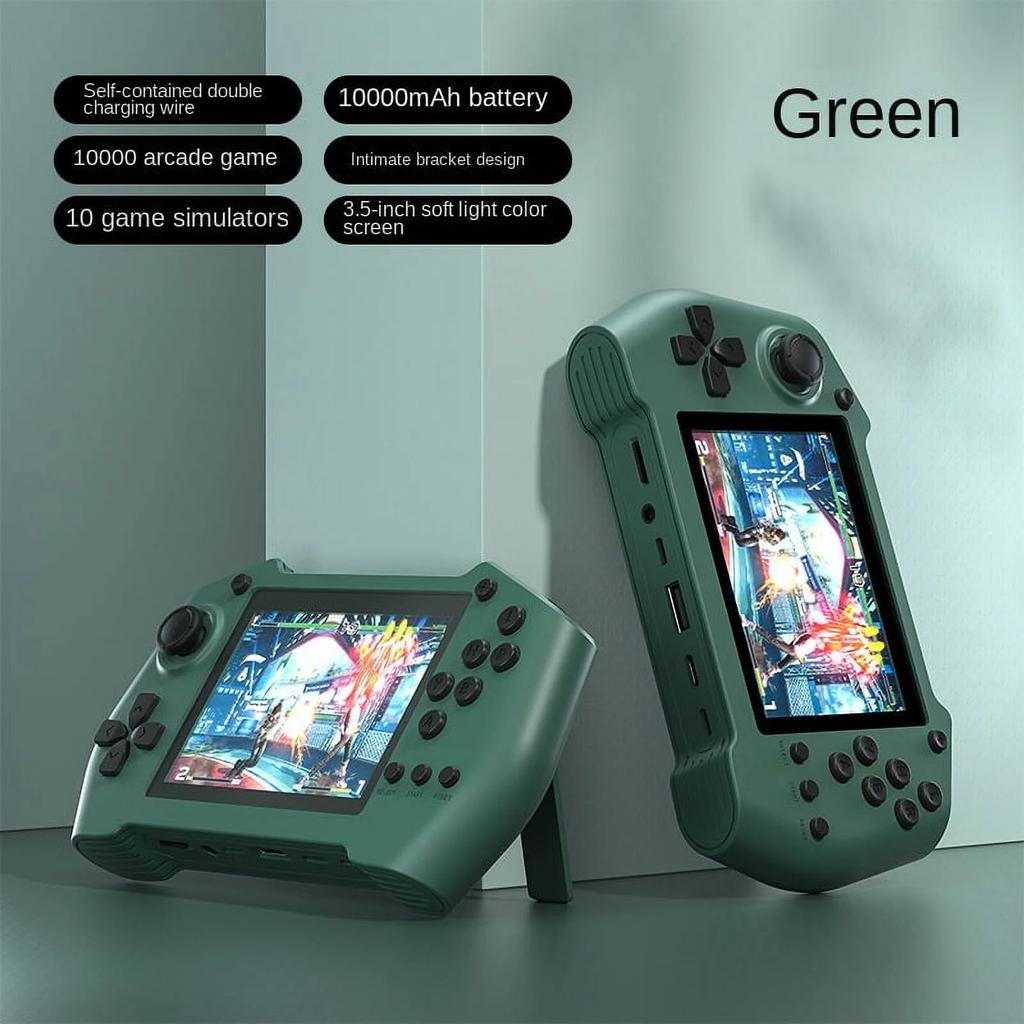
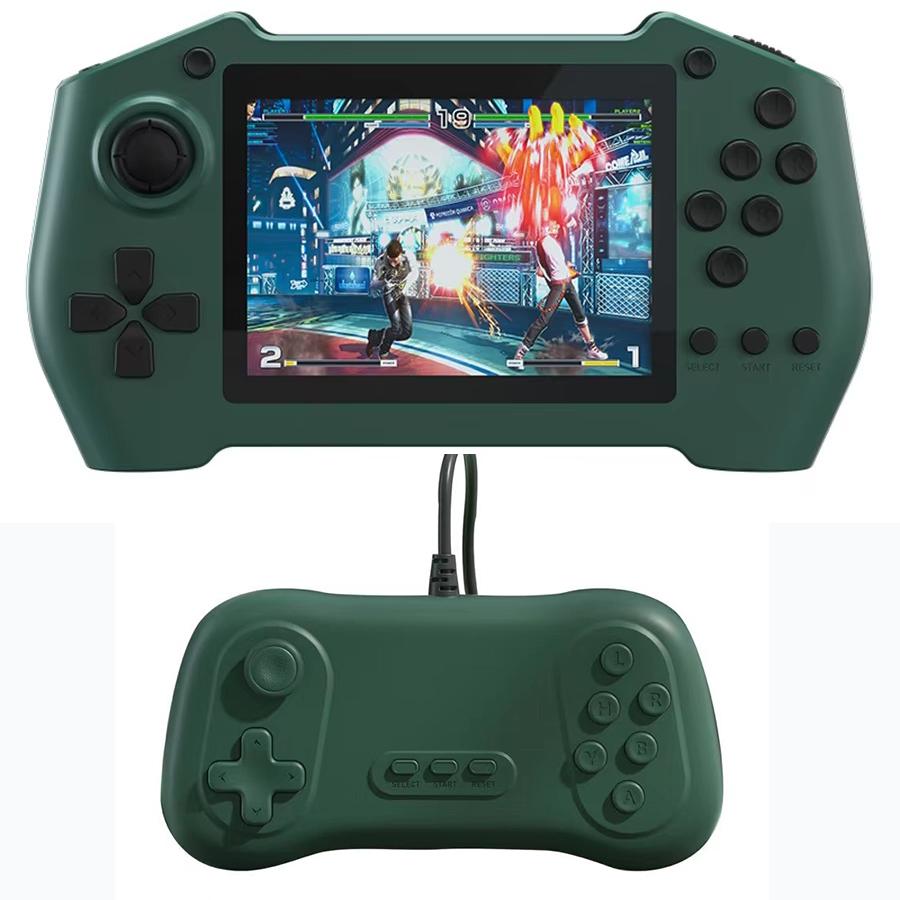
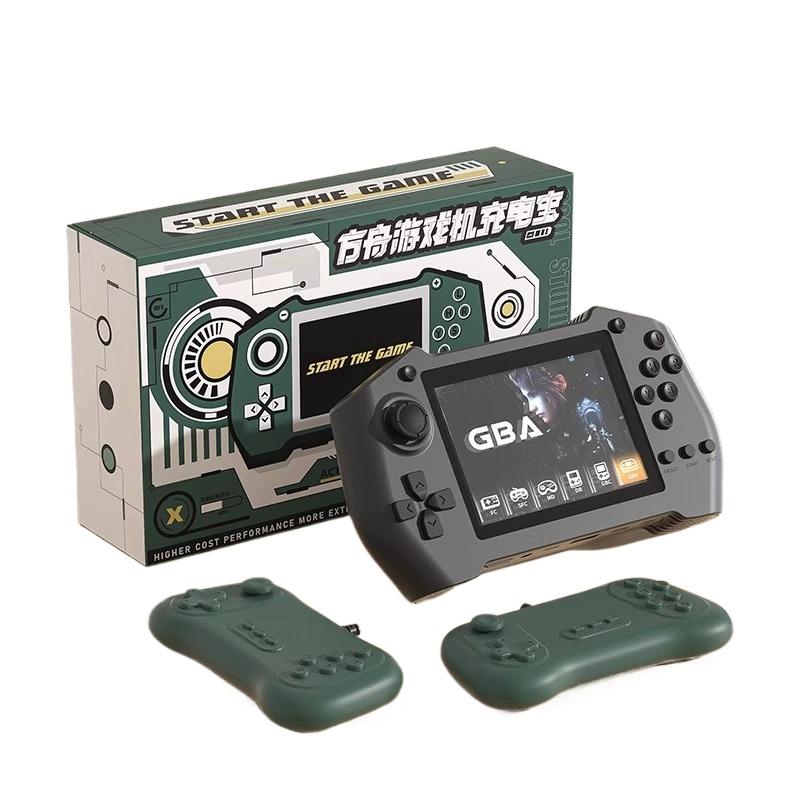
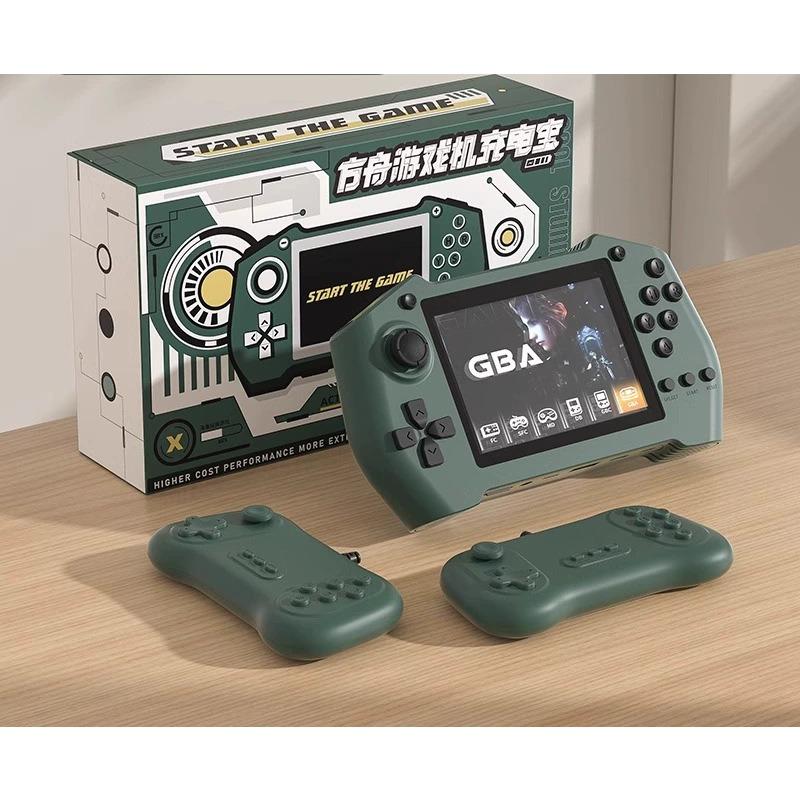
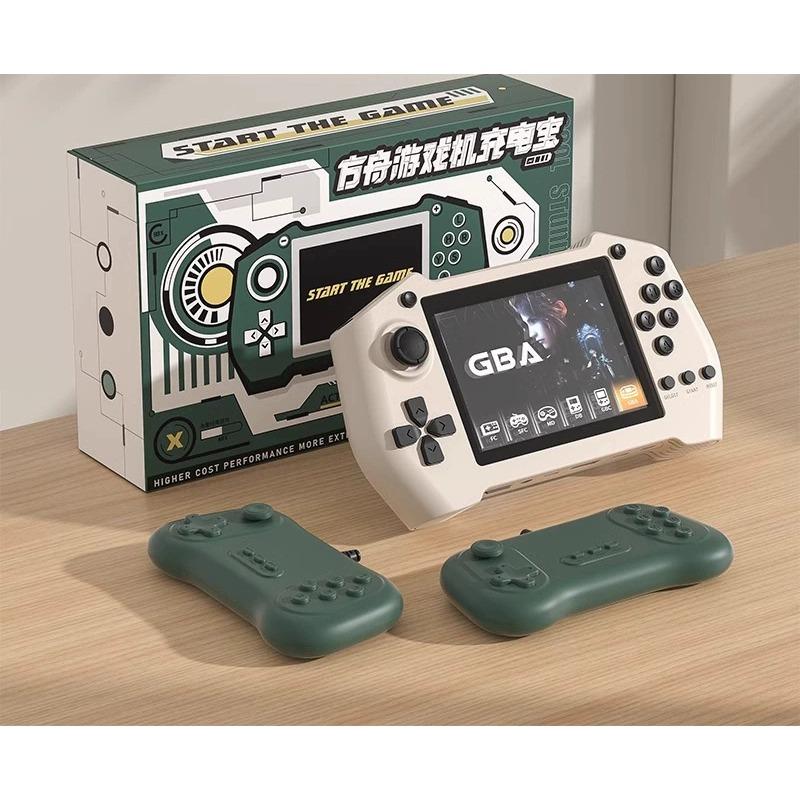
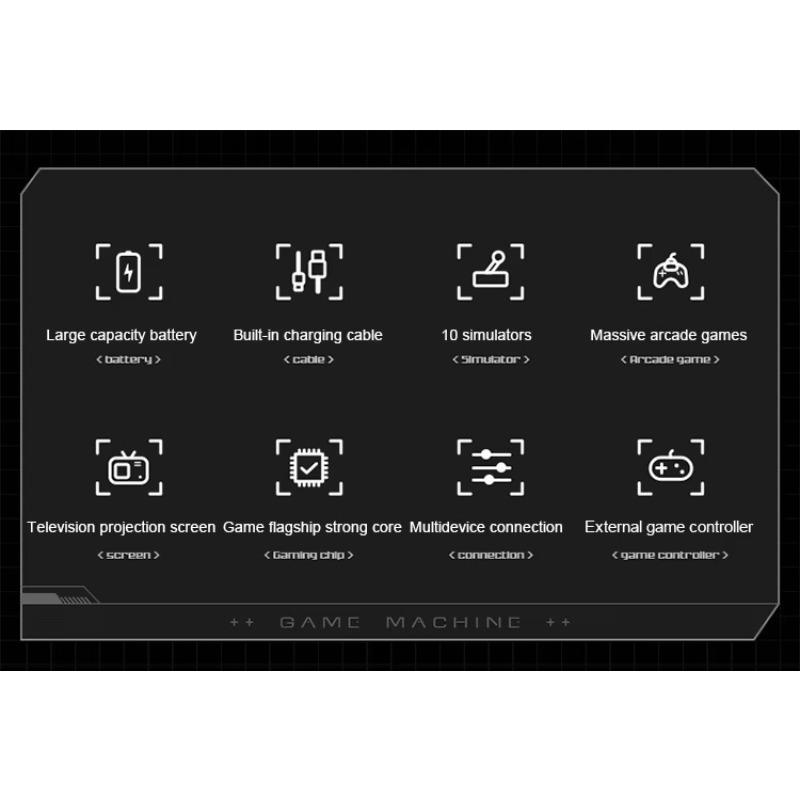
1. A charging treasure that can play games, with 10,000 games built inside.
2.5000 mA mobile power supply with long battery life.
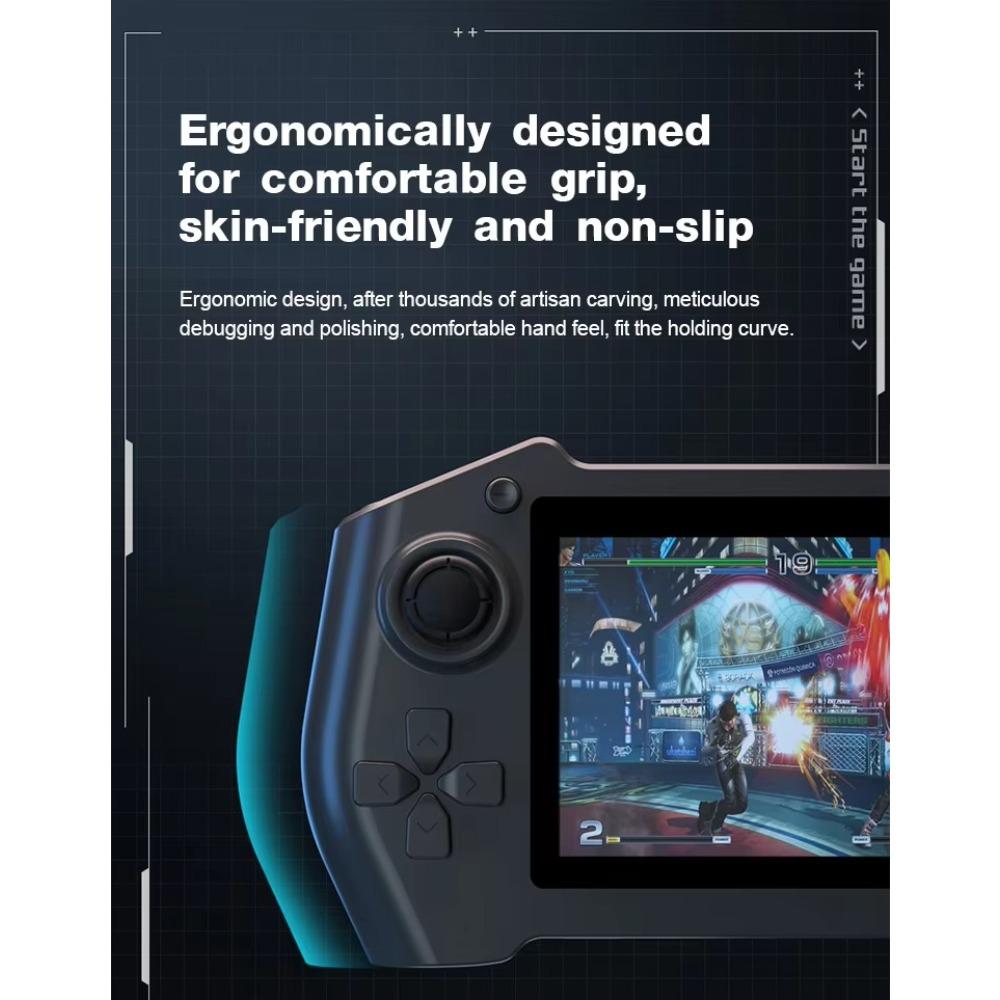
3. Cute, compact and portable
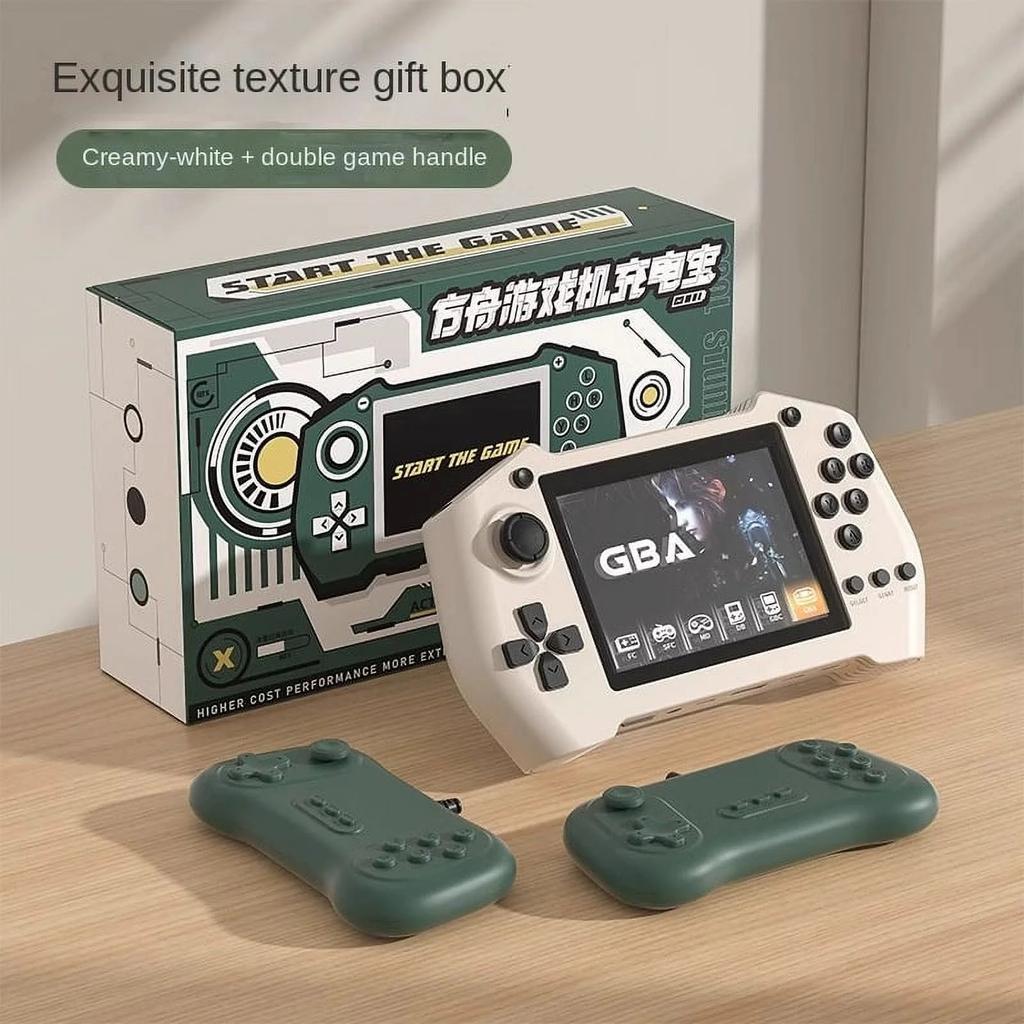
4. High value, matching with gift boxes is suitable for gifts, and the gift attributes are strong.
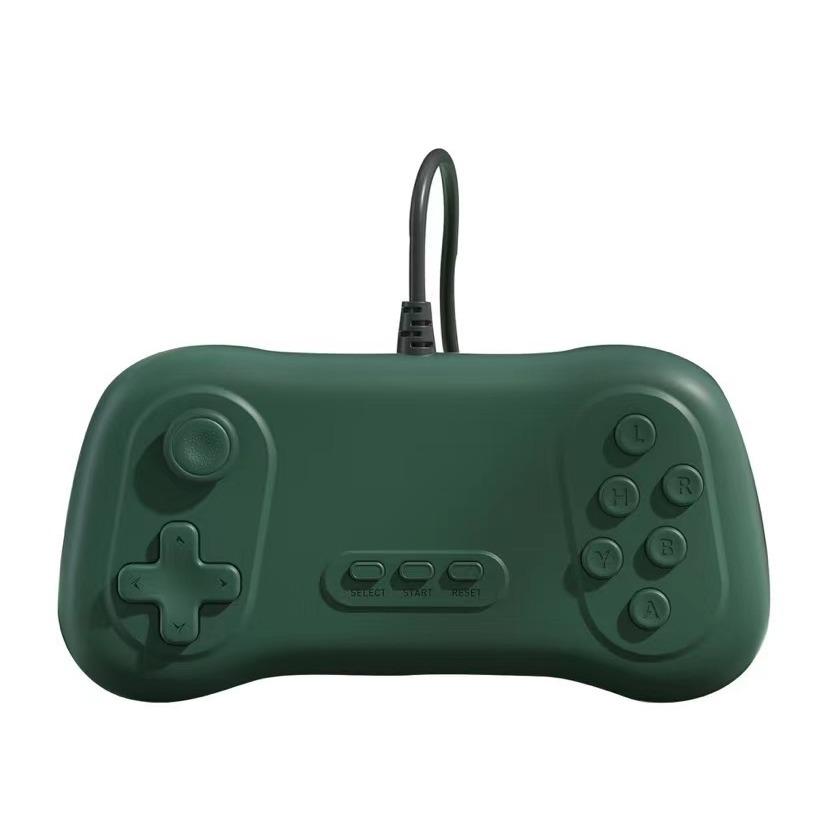
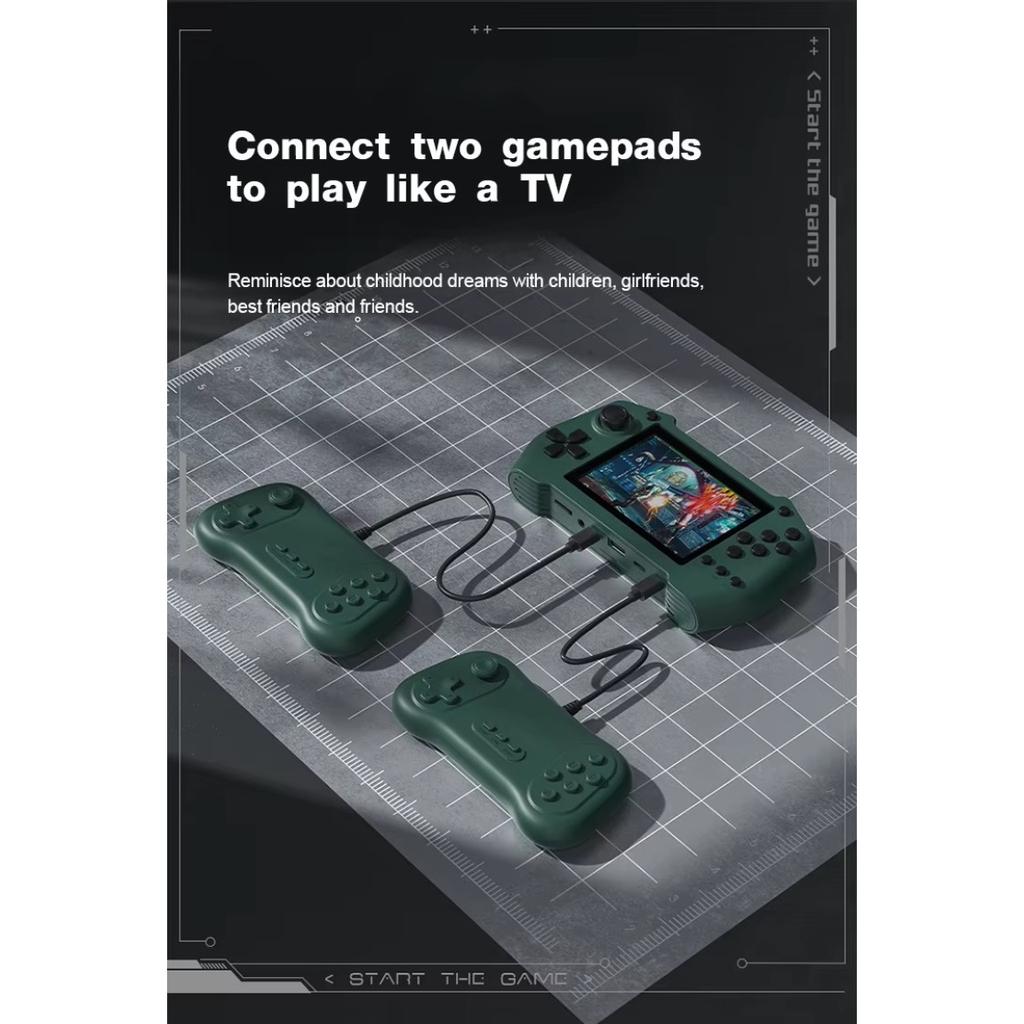
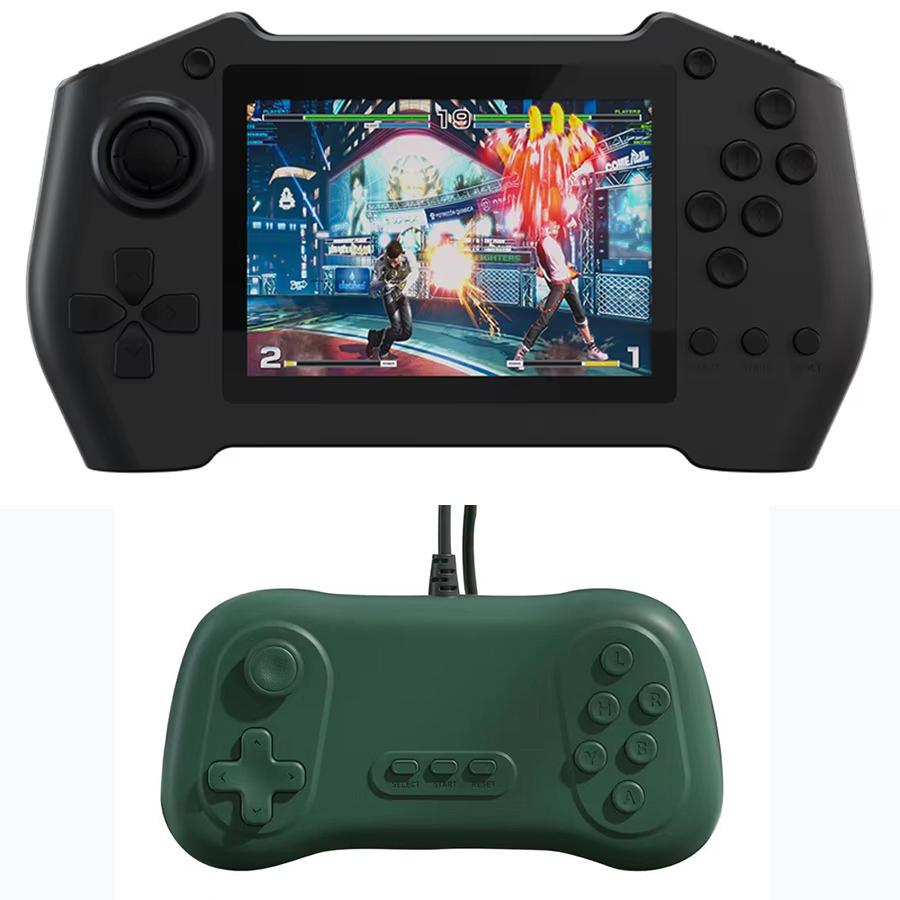
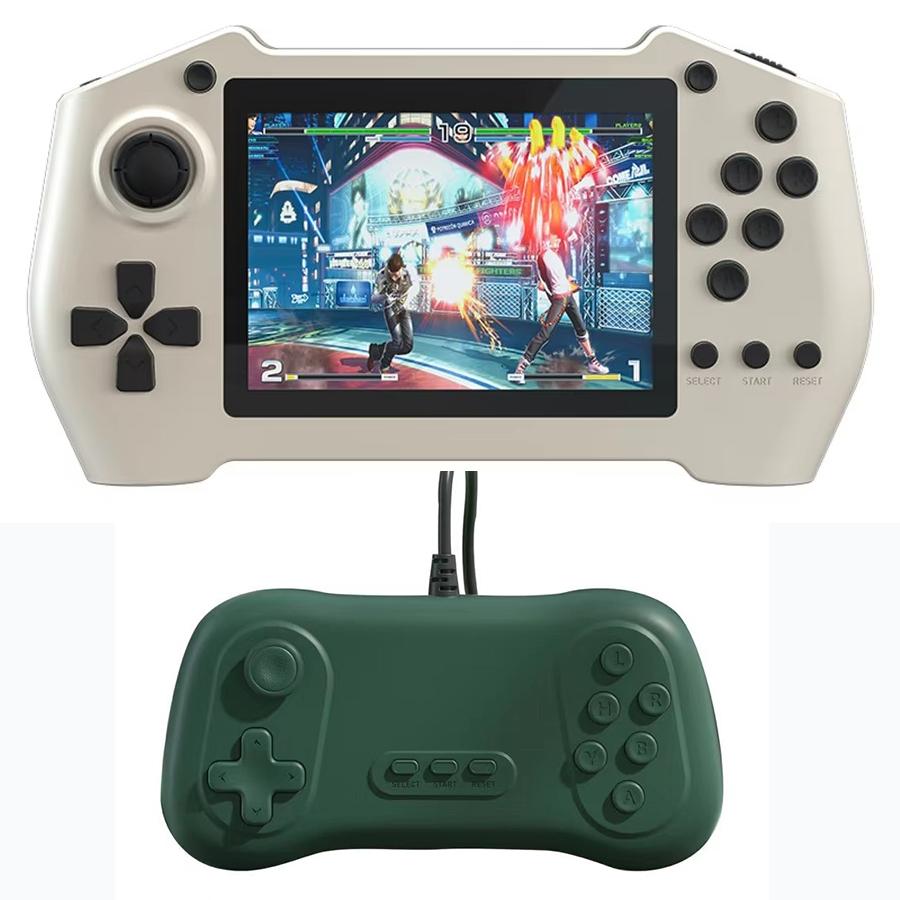
5. The handle can be connected to support doubles.
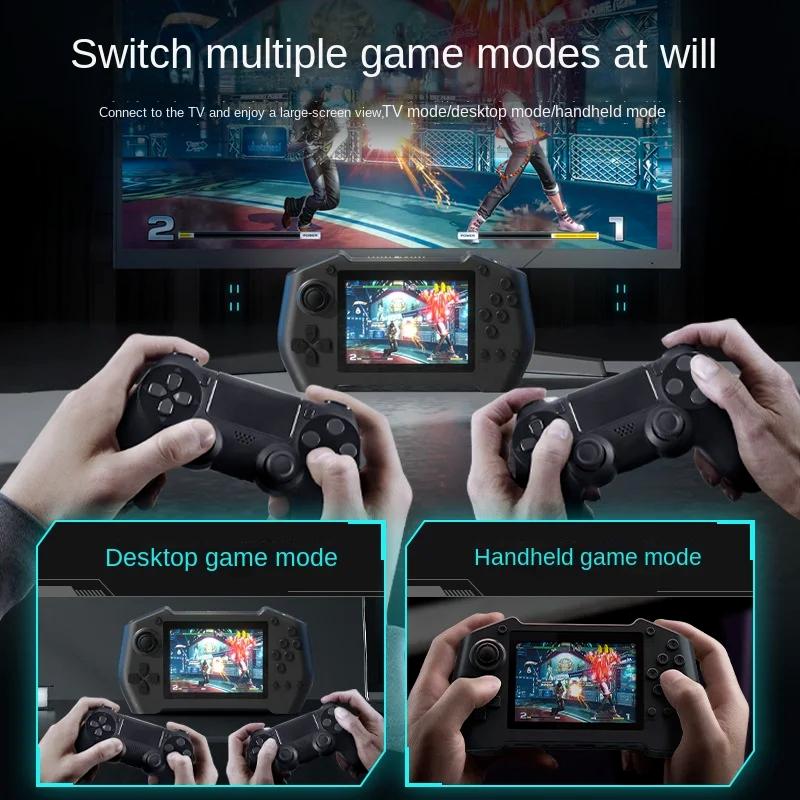
6. Connect AV cable to TV screen.
Product Specification:
Product number: DY19
Product name: time pro Charging treasure for Belt game machine
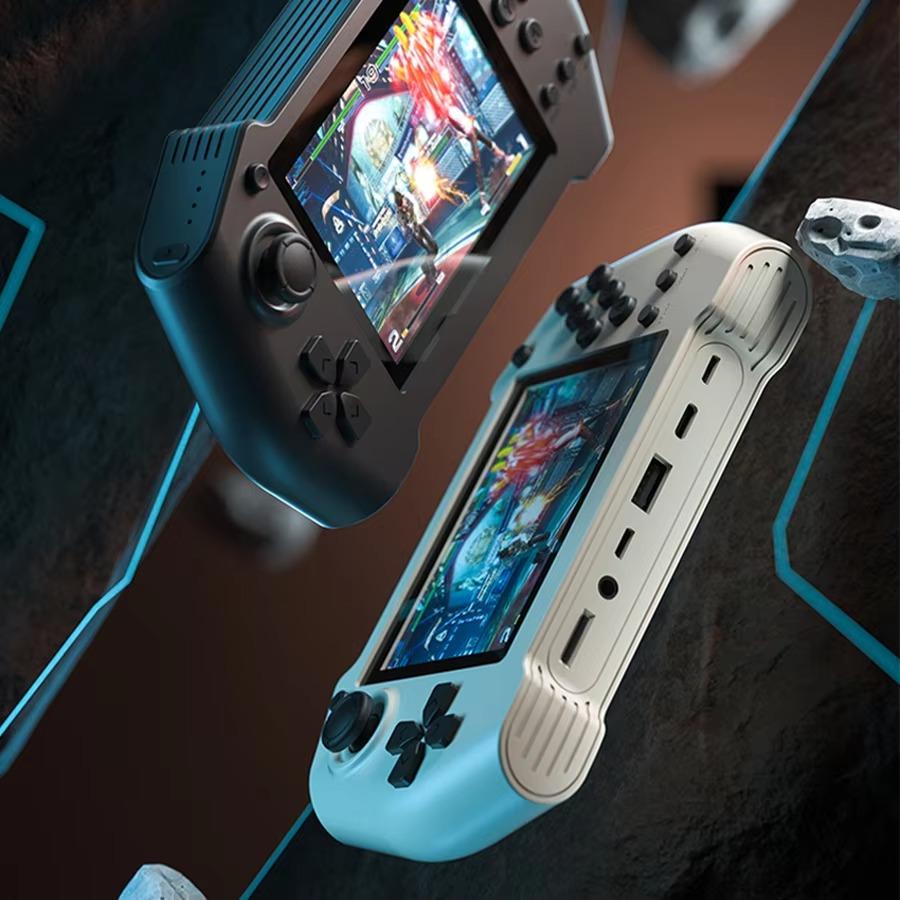
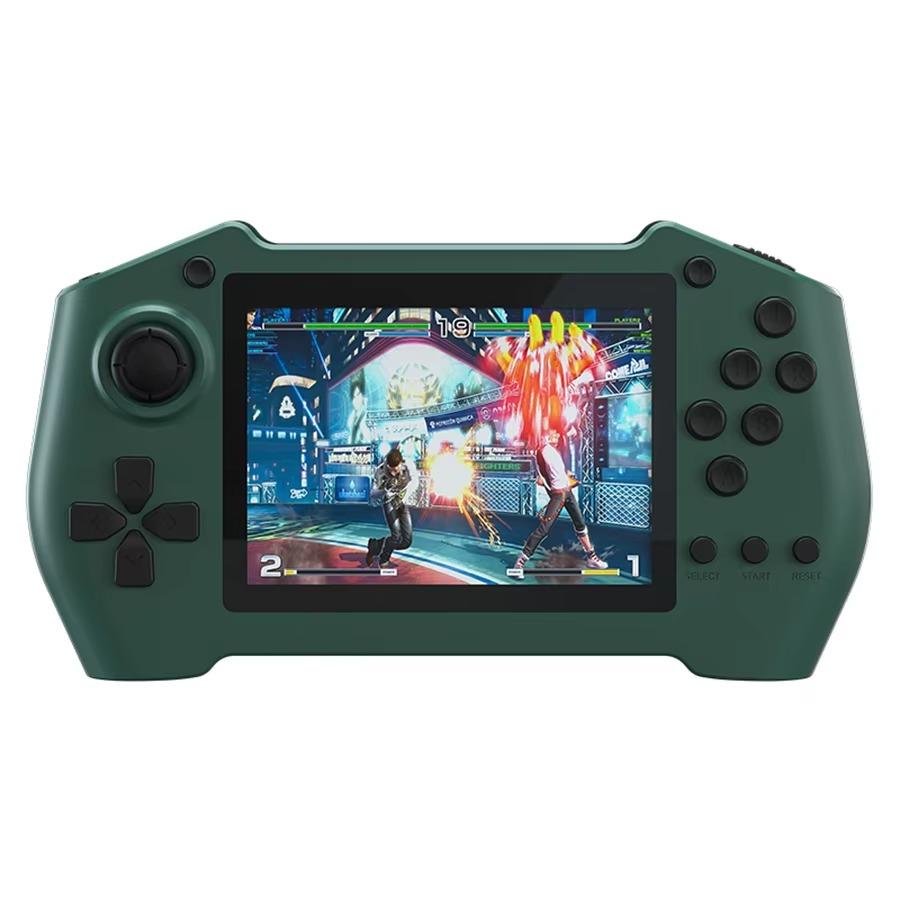
Product color: pink / green / dark blue (pink/green / dark blue)
Product size (mm): about 141*96*19mm.
Color box size (mm): about 190*121*51mm.
Outer box size (mm): approx. 61,5*39,5*27,5 cm.
Quantity: 50 pieces
Whole container gross weight: about 20kg
Product weight (bare metal): about 0.25 kg
Product weight (including packaging): about 0.4 kg
Product name: time pro Charging treasure for Belt game machine
Model number: DY19
Input: 5V-2A
Battery capacity: 5000mAh
Product size: 141 * 96*19mm
Weight: 0.4 kg
Charging time: 2-3H.
Battery life: 5-10h.
Product Material: ABS + PC
Details of accessories attached to the product: charging cable/manual/certificate / AV cable.
Product selling point:
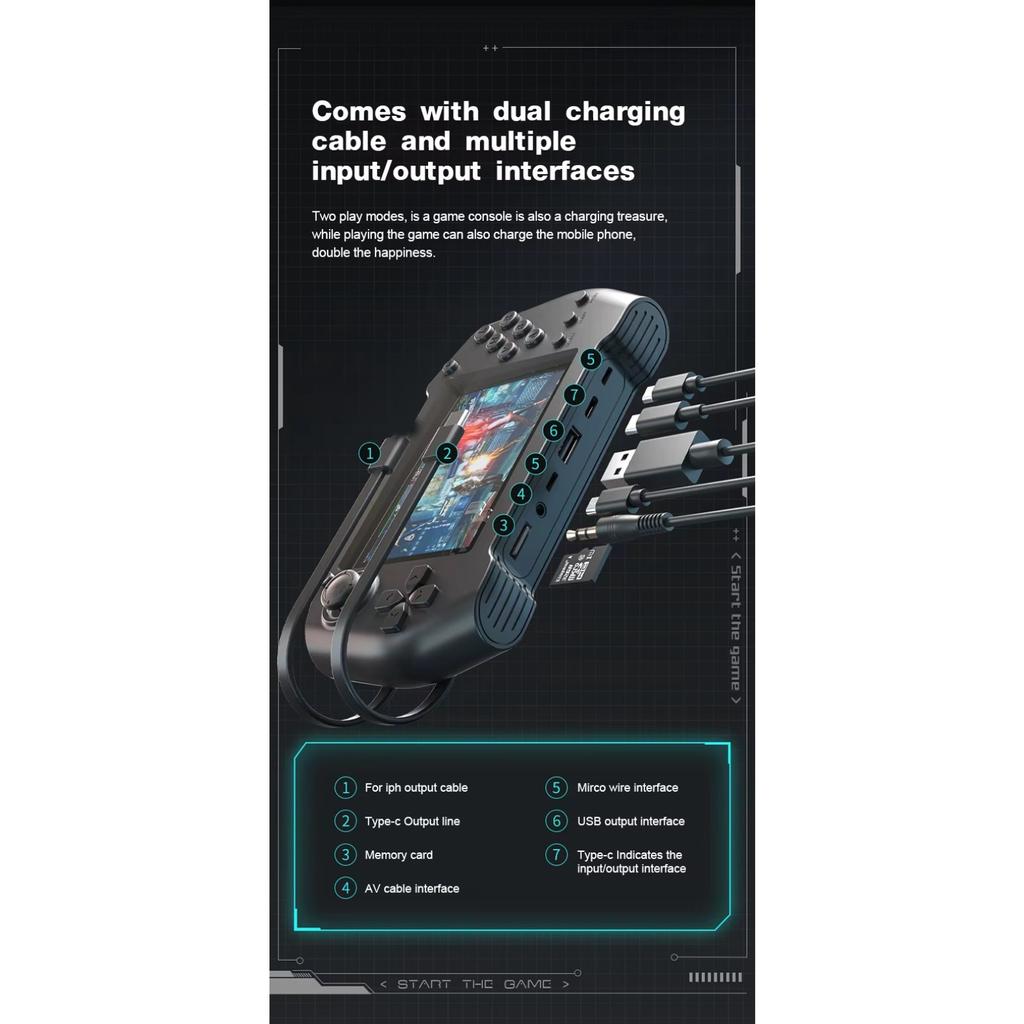
1. With TYPE-C and Lightning charging cable, it is portable.
2. intelligent digital display, real-time view of power.
3. You can download, archive and read games by yourself.
4.. Support the top ten simulators, and you can play arcade, FC and other types of games.
First, the introduction of the function:
1. Top switch button, memory card slot and volume button
2. The bottom button of the power display, Click to see the power.
3. From left to right, there are AV interface, USB charging and discharging interface, micro game console charging and discharging interface.
Second, matters needing attention: the product must be charged before use and can be used when fully charged.
1. Do not charge for a long time. Generally, charge for 2-3 hours. Do not overcharge, which will affect the cycle times of battery use.
2. If the product is not used for a long time, the full charge of electricity may be lost.
3. Please use standard 5V DC adapter when charging. Using other adapters may damage or destroy the product.
4. When the game machine is charging, there will be a lightning signal on the bottom digital display, indicating that it is charging, and it will be full when the digital display is 100.
Third, the screen projection method 1. First, connect the game machine to the TV or other display equipment with an AV cable.
2. Select the "SET" key in the lower right corner of the screen and click the "A" key.
3. Select General Settings and click the " A " key.
4. Select "output", slide the joystick or direction key, select" NTSC "or" PAL", and click the" A " key to project the screen.
Note: Due to the different models and sizes of TV or other display devices, there may be a small uneven screen, which is normal and will not affect your game. Feel free to use it.
Fourth, the use of the handle
Connect the handle to the micro interface, and it can be used normally. The handle is in position 2, and you need to enter the game before you can operate it. Please use the game machine button to operate the main interface of the game machine.
Note: the micro handle interface is only used as a handle access. Please do not connect the power supply on this interface, otherwise the equipment may be damaged.