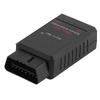
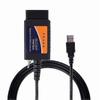
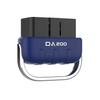
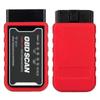
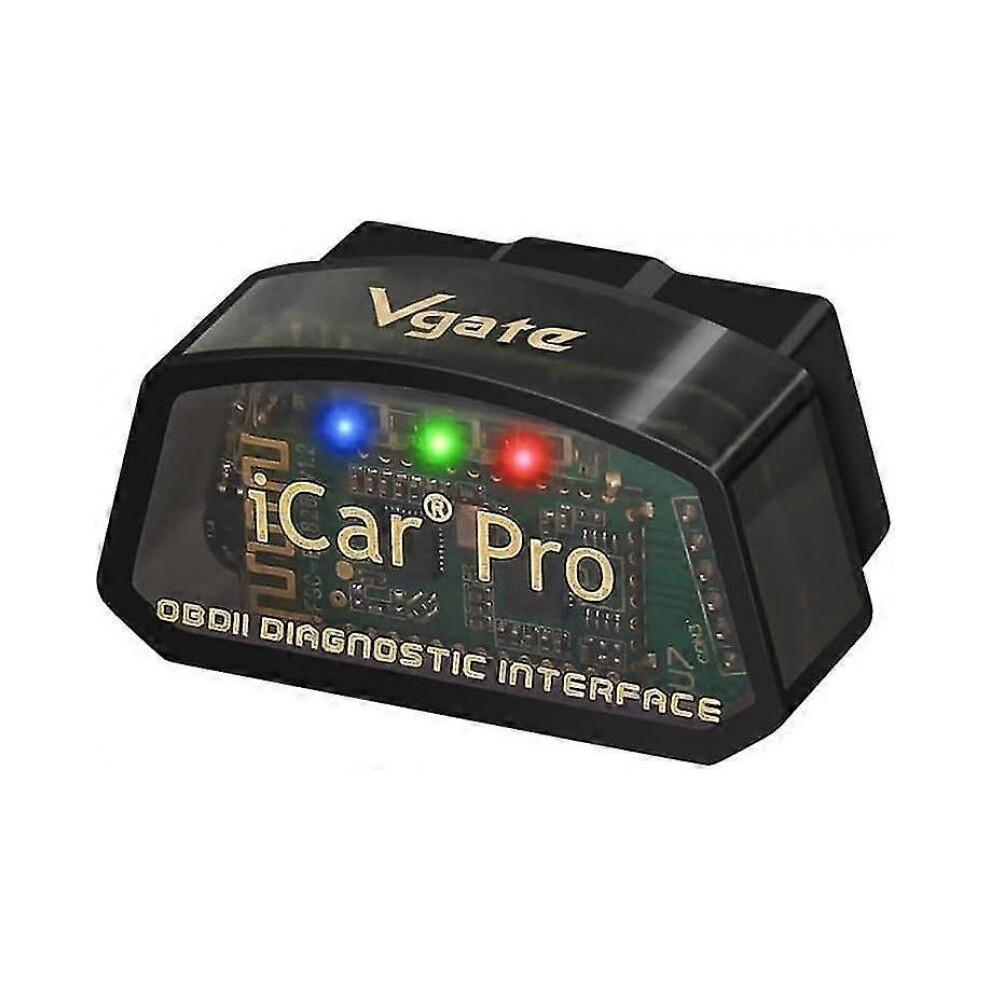
Vgate iCar Pro Bluetooth 4.0 (BLE) OBD2/OBDII fault code reader and check engine light diagnostic tool (based on the ELM327 adapter). Vgate meets all your vehicle diagnostic needs!
We believe that every car enthusiast can become a professional automotive technician.
Fully compatible with all OBD2 protocols and commands; features a unique auto-sleep/auto-wake function that minimizes power consumption to protect your car battery's lifespan.
Note: The "auto-wake" function is not supported on hybrid or fully electric vehicles.
---Features--- Reads both generic and manufacturer-specific fault codes.
Equipped with a high-speed ARM processor, delivering data read speeds of up to 30 PIDs per second.
Reads real-time ECU sensor data (including engine RPM, fuel system status, fuel pressure, oxygen sensor voltage, and numerous other readable vehicle parameters).
Assists with emissions testing preparation.
Reads and clears fault codes; turns off the MIL (Check Engine Light).
Views freeze-frame data and I/M readiness monitor status.
Pair the Vgate iCar Pro BLE 4.0 with high-quality OBD2 apps to unlock even more exciting features! Friendly reminder: If you have any questions during use, please contact us via email. We will provide technical support upon receiving your message.
The Vgate iCar Pro Bluetooth 4.0 automatically enters sleep mode 30 minutes after the engine is turned off, ensuring no drain on the car battery.
Advanced trigger mechanisms automatically activate the Vgate iCar Pro BLE 4.0 when you connect via Bluetooth, unlock the car doors, or start the engine.
Suitable for all vehicles compliant with OBD2/EOBD standards.
Compatible with all OBD2 communication protocols. Works with EOBD vehicles (European gasoline cars from 2001 onwards and diesel cars from 2003/2004 onwards) and OBD2 vehicles (US vehicles from 1996 onwards and Canadian vehicles from 1998 onwards). Our product is suitable for 12V gasoline vehicles and compliant 12V light-duty diesel vehicles that support standard OBD2 protocols. This device is not suitable for 24V heavy-duty diesel vehicles (such as semi-trailers, tractor units, etc.) because they use different systems that are incompatible with our adapter.
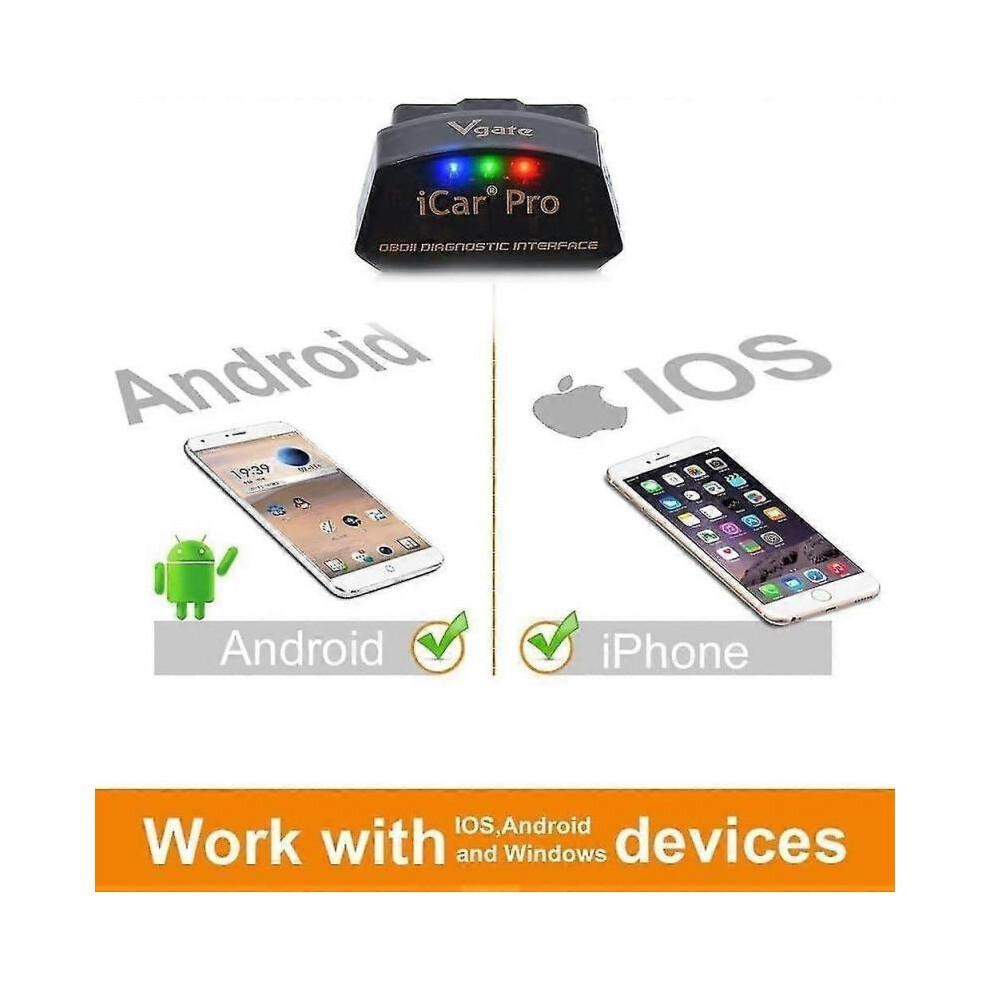
iOS Apps: Bimmercode, OBDFusion, OBDAutoDoctor, OBDCarDoctor, JScan, etc.
Android Apps: TorquePro, TorqueLite, JScan, OBDFusion, OBDAutoDoctor, etc.
Note: Please connect your Android or iOS device using third-party applications.
You can choose from apps at various price points based on your needs.
Vgate iCar Pro Bluetooth 4.0: For Android systems (where the device displays two names: "IOS-Vlink" and "Android-Vlink"), make sure to connect to the device named "Android-Vlink".
For iOS systems, the name "IOS-Vlink" will not appear.
Simply enable Bluetooth on your iOS device and configure the Bluetooth device name within the OBD app's settings.
Plug in the OBD2 Bluetooth adapter: Insert the Vgate iCar Pro Bluetooth 4.0 OBD2 adapter into your vehicle.
Connect your phone: Ensure Bluetooth is enabled on your smartphone and establish the connection.
Use the app and prepare for testing.
Note: Features vary depending on the application used.
Supported Protocols: SAE J1850-PWM, SAE J1850-VPW, ISO 9141-2, ISO 14230-4 (Slow Init), ISO 14230-4 (Fast Init), ISO 15765-4 (CAN), SAE J1939 (CAN), ISO 11898 (Raw CAN). Professional OBD Diagnostics #1 iCar Series vLinker Series Battery Terminal Series Low Power Consumption Vehicle Compatibility iOS & Android Apps Connection Steps



 No-delivery refund